
Animation

MotionForgeToolFreeBetav0.4.1

Type a motion. Watch your character do it.

Describe what the character does, generate a few takes, and keep the one you like. It lands on your own skeleton as an ordinary Unreal animation.

The film

From a sentence to a character that moves in your game.

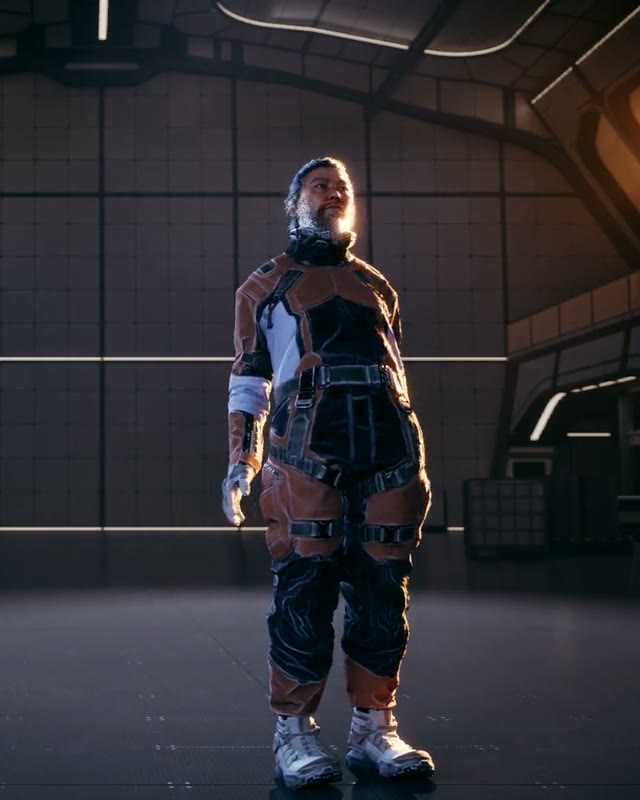
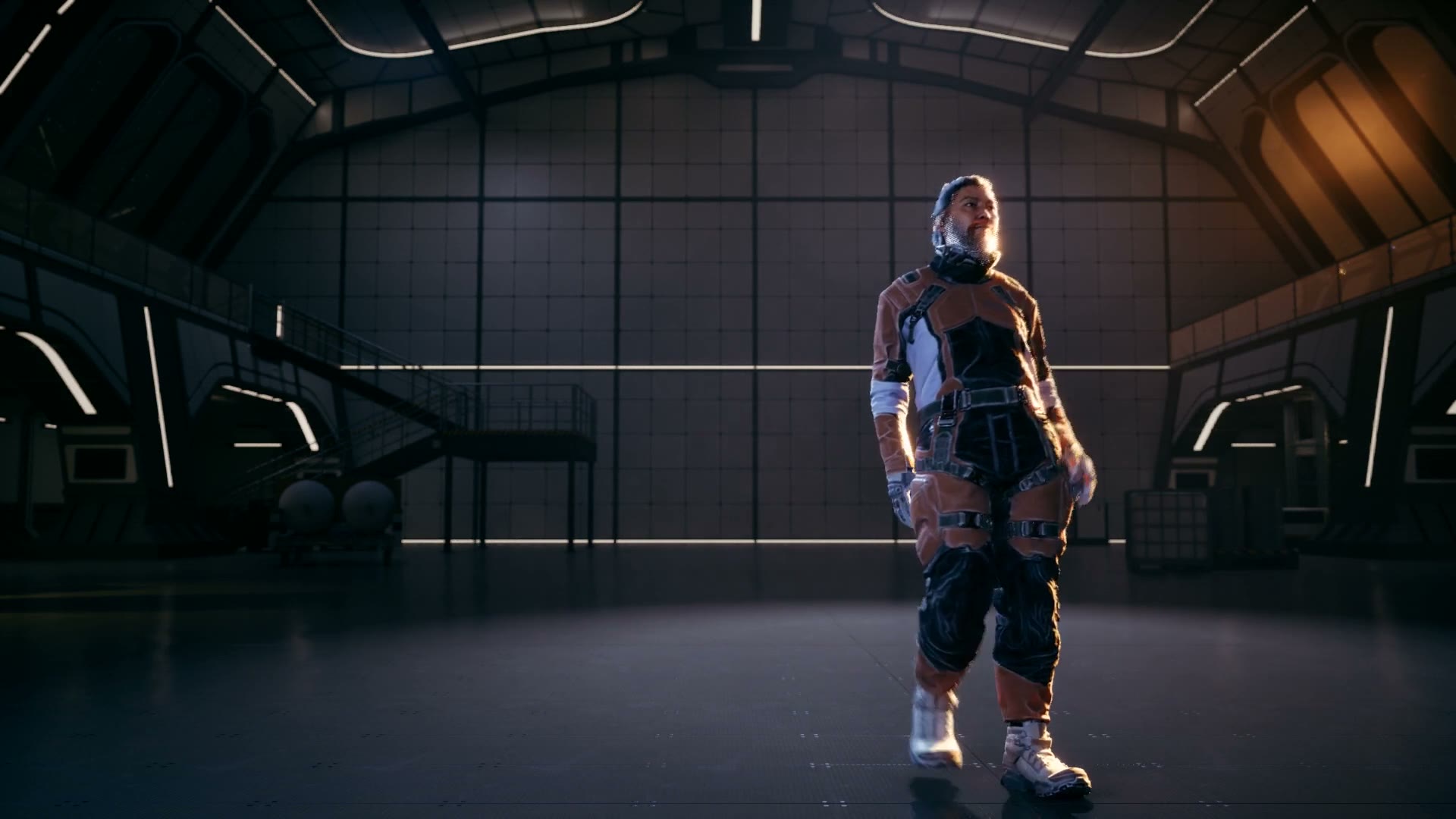
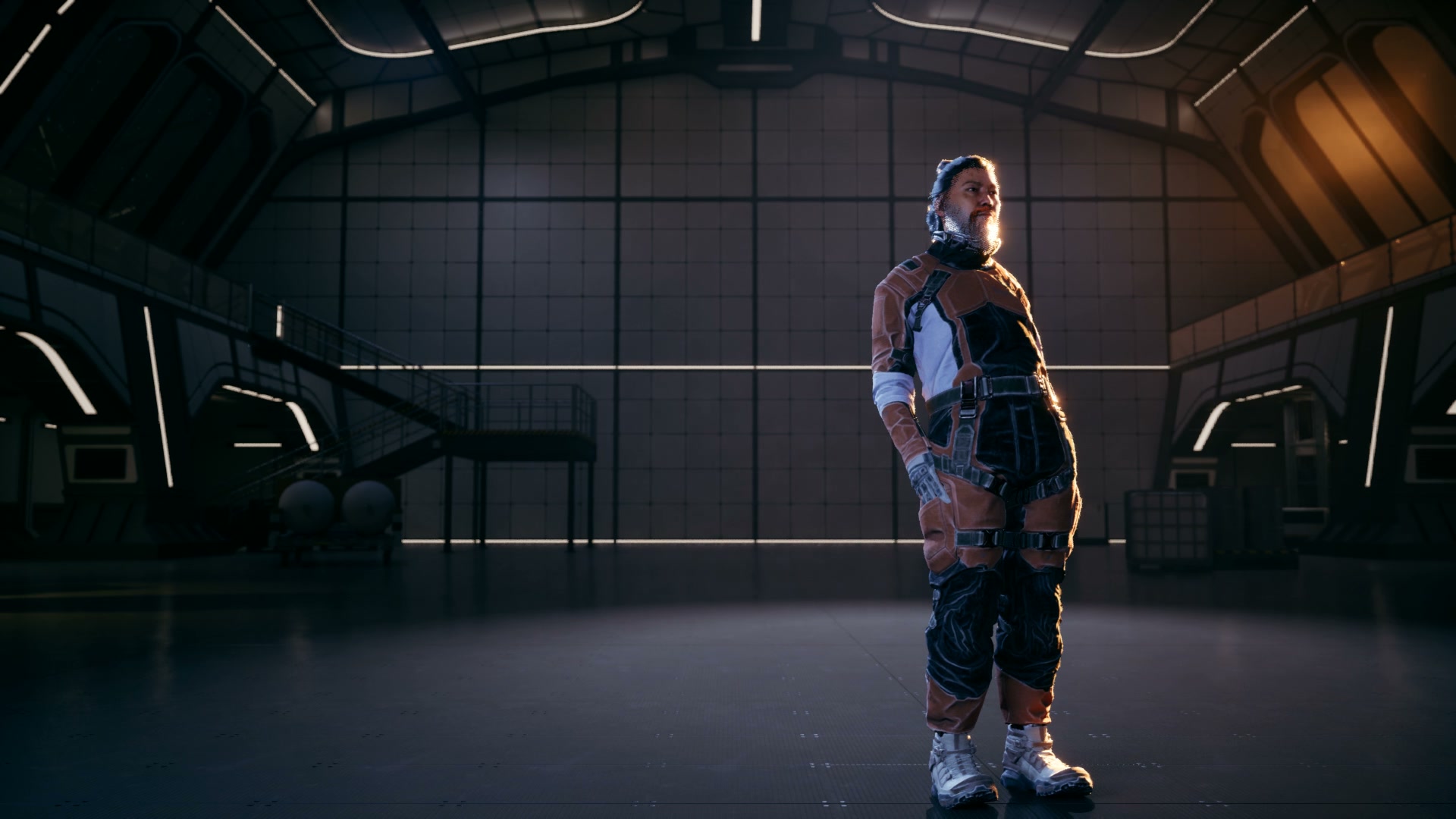
A motion typed, three takes generated, one kept, and playing on your characters in the level.

Inside MotionForge

A motion studio, inside Unreal.

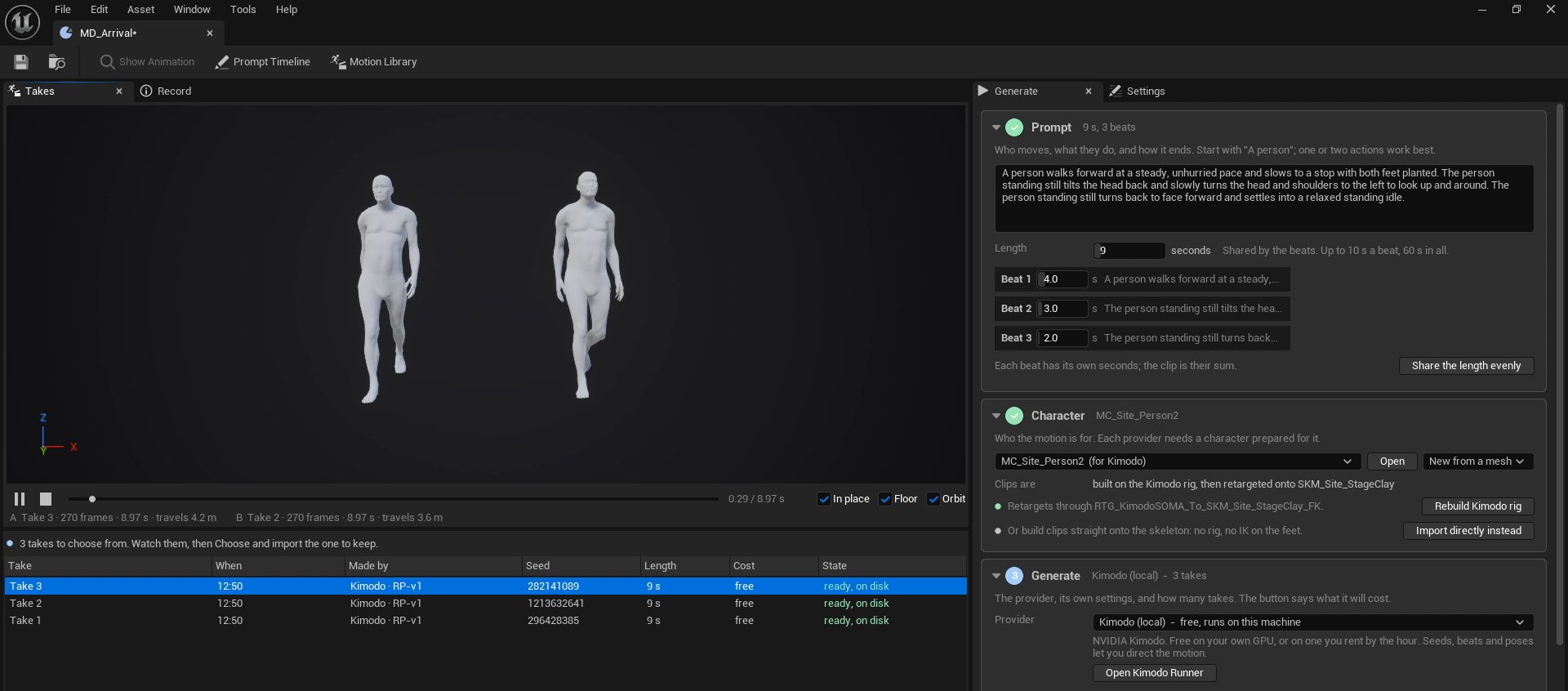
Every motion has its own window: the prompt, the character and the engine on the right, the takes playing on your character on the left.

MD_Arrival · Motion Definition
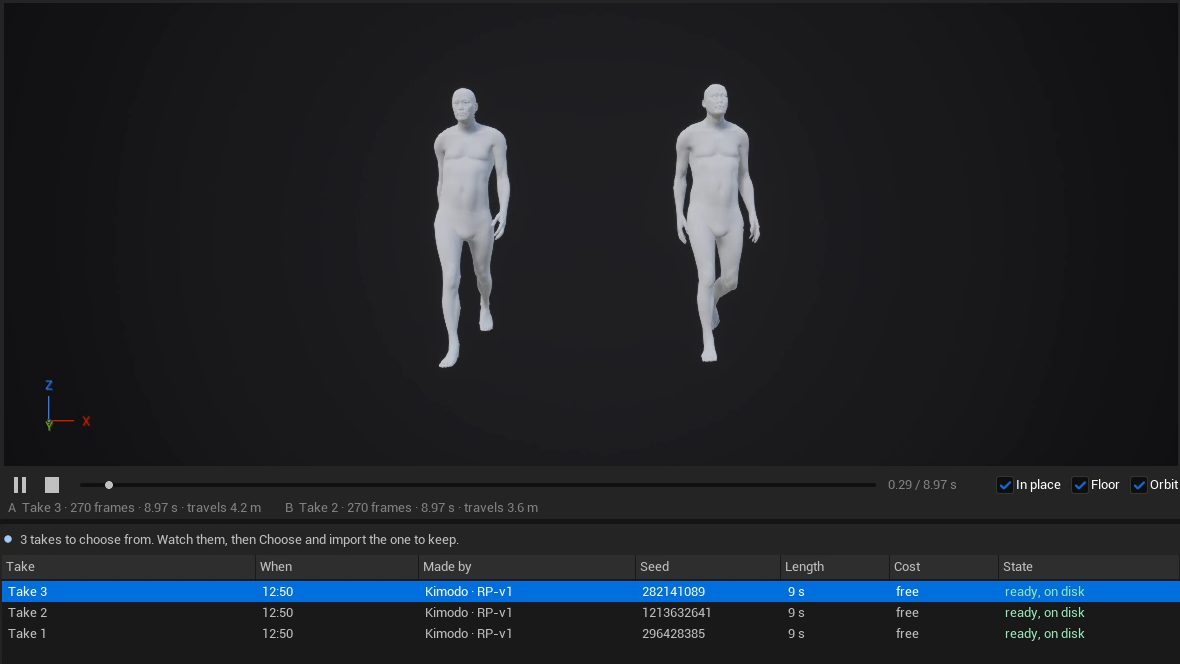
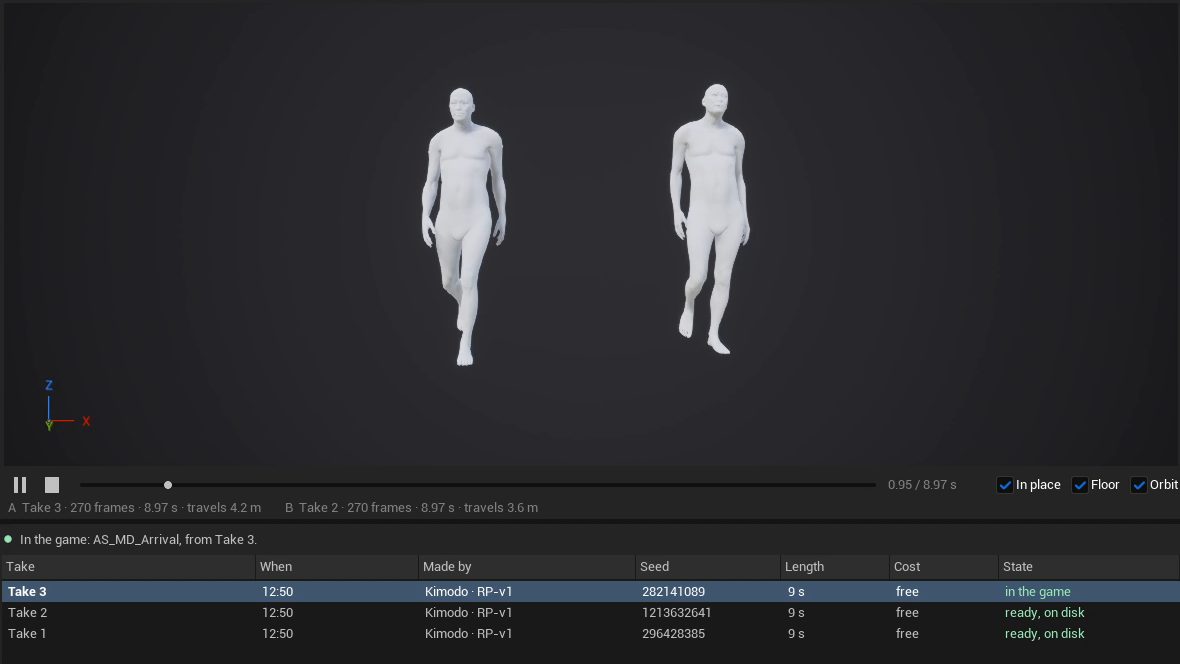
The MD_Arrival motion window: two takes of one prompt side by side on the stage, the take table under them, and the prompt in three beats, the character and the Kimodo engine on the right
Three takes from one prompt, each with its seed and its cost. Two of them walk side by side on one clock while you choose.
Get started
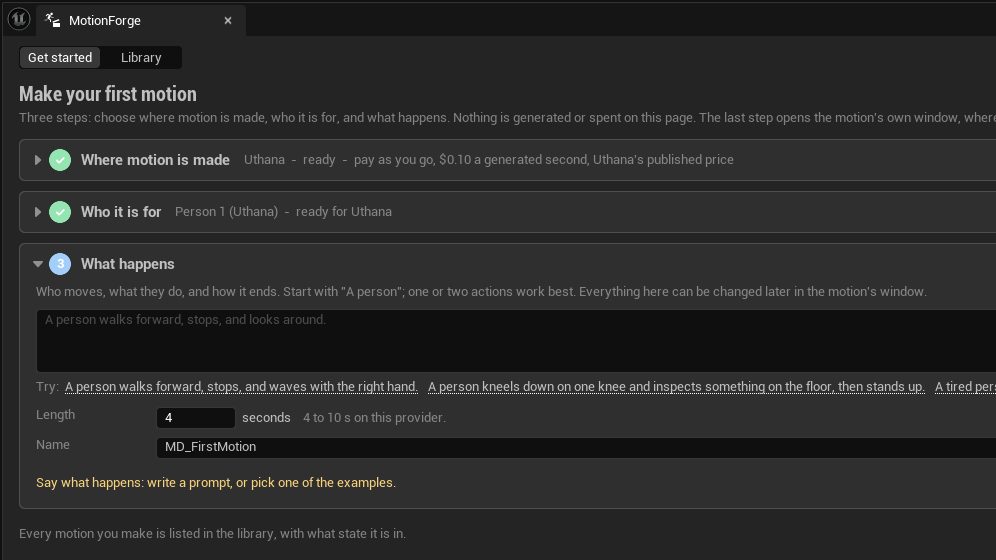
The Get started page: where motion is made, who it is for, and what happens, each step checking itself
Get startedThree steps to a first motion, each checking itself and saying what is missing.
MotionForge · Library
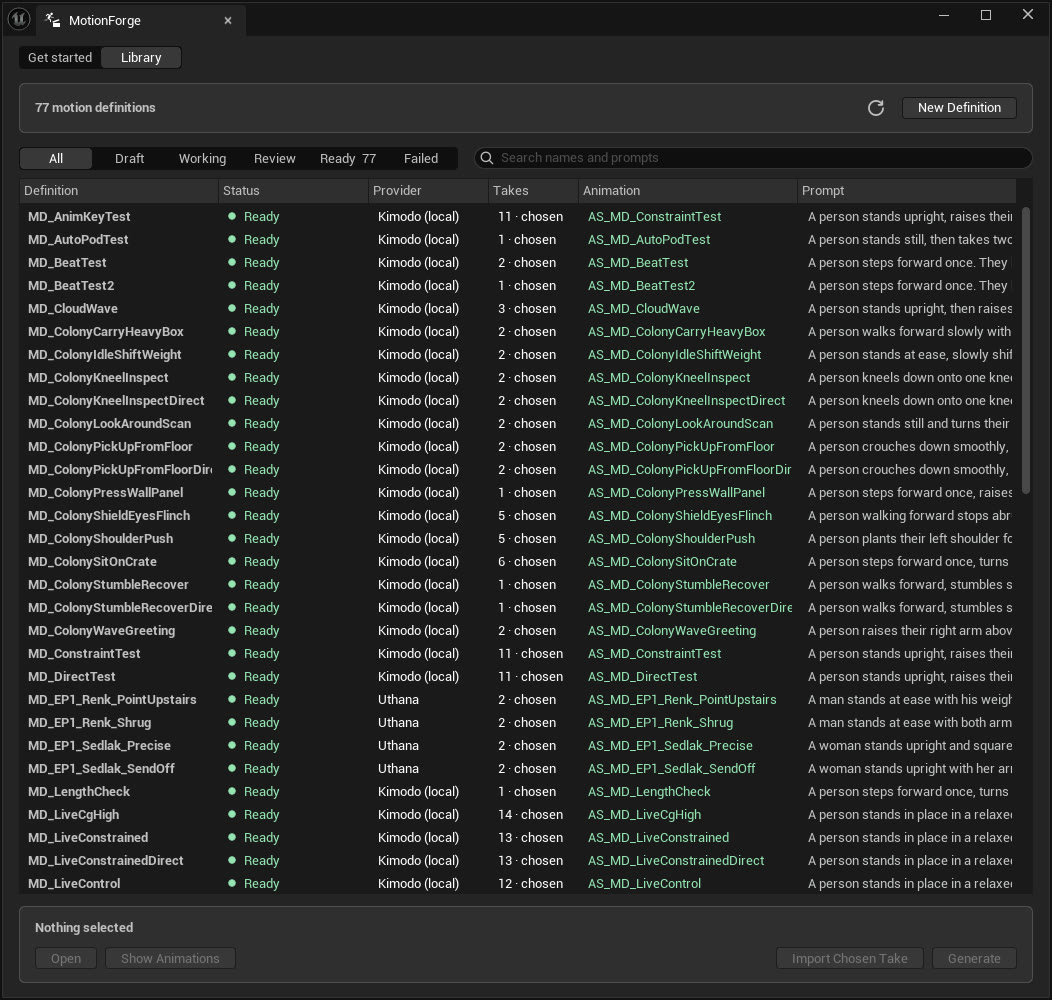
The library: motion definitions with their status, engine, takes, animation and prompt
MotionForge · LibraryEvery motion in the project, with its engine, its takes and the animation it made.

What you can do with it

MotionForge

Say what happens.

Who moves, what they do, and how it ends.

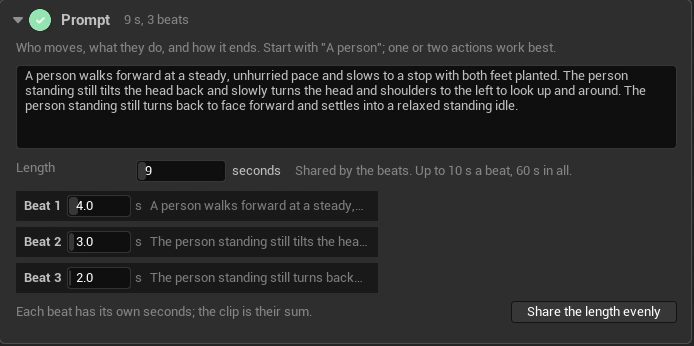
Write the motion the way you would brief an animator, then split it into beats and give each one its seconds. The walk at the top of this page came from exactly this prompt: three beats, nine seconds, one take kept.

MD_Arrival · PromptWalk in for four seconds, look up and around for three, settle for two.

The panel
MD_Arrival · Prompt
The prompt section: a person walks forward, stops, looks up and around and settles, split into beats of 4, 3 and 2 seconds
What it made
MotionForge

Keep the take you like.

Generate several, compare them, choose one.

Ask for a few takes and play each one on your character before anything is imported. Only the take you choose becomes the animation; the others stay on the list, so you can change your mind later.

  1. Takes
    1

    Generate a few

    Each take has its own seed, and its cost is on the row before it runs.

  2. Takes · A and B
    Take 3 and Take 2 side by side on the stage, the three takes ready in the table
    2

    Watch two on one clock

    Show one take as A and another as B, and they walk side by side.

  3. Takes · in the game
    The take table with Take 3 in the game and Takes 1 and 2 ready on disk
    3

    Keep one

    The take you choose becomes the animation in your project. The others stay on the list.

MotionForge

Quick enough to try again.

A second idea costs a few seconds, not a session.

Kimodo generates all the takes you ask for at once, on your own graphics card. Change a beat, generate again, and compare.

25s

for three takes of a nine-second motion, generated together on one graphics card.

MotionForge

Walks, looks, gestures.

Described in plain words, played in your level.

The prompt behind this take: “A person walks forward slowly and stops with both feet planted. The person standing still raises the right hand flat above the eyes to shade them and slowly scans from left to right. The person lowers the right hand to the side and settles into a relaxed standing idle.”

MotionForge

Your GPU, or your account.

Choose the engine per motion, not per project.

Block out a library on Kimodo, then switch the motions that ship to Uthana for the hands. It is one field on the motion.

Free

a take on MotionForge Kimodo: NVIDIA’s model on your own graphics card, or on a GPU you rent by the hour.

$0.10

a generated second on MotionForge Uthana, in the cloud on your own account, fingers included.

Generate · Uthana
The Generate step on Uthana: two takes of five seconds, about $1.00, and the button that says so
The button says what it will cost before you press it.
What it made
Character · Uthana
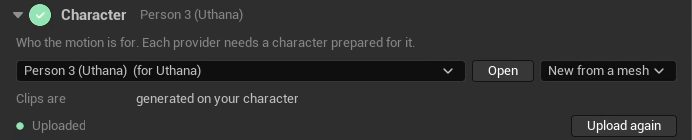
The character step on Uthana: the character chosen and uploaded once
The panel
MotionForge

On your own character.

A MetaHuman, the Unreal mannequin, or your own skeleton.

Make a motion character from any skeletal mesh in a moment. On Uthana your character is uploaded once and the motion comes back on your bones. On Kimodo the motion is retargeted onto your skeleton as it is imported. Either way you get a standard Unreal animation.

Character · UthanaOn Uthana, your character is uploaded once and every motion is made on it.
What is inside

What comes with it

Two engines to choose from, and a first motion in a few minutes.

01

Get started

Three steps in one window: where motion is made, who it is for, and what happens. Each one checks itself and says what is missing.

02

Example prompts

Prompts to start from, with the way of writing them that works: one or two actions, named poses, and an ending in a relaxed idle.

03

A record in every clip

Each animation remembers the engine, the prompt and the seed that made it, long after the motion is renamed or deleted.

What it needs

Unreal Engine 5.8

Everything runs inside the editor.

A character

A MetaHuman, the Unreal mannequin, or your own skeletal character.

For Kimodo: Docker and a graphics card

Free per take. About 20 GB to download once, and a free Hugging Face account. A card with about 16 GB of spare memory runs it fastest; smaller cards work with system memory, slower. Or rent a GPU by the hour on your own Runpod account.

For Uthana: your own account

Paid to Uthana at their rates, $0.10 a generated second on pay as you go. You see the price on the button before you generate.

Price

Free

MotionForge and both engines are free. Kimodo runs on your own GPU; Uthana bills your own account.

Beta · v0.4.1

In the Hub

The free Hub installs MotionForge and its add-ons, keeps them up to date, and gets new versions to you first.

This tool is free. If it saved you time, you can support its development.

Support Kovati →

Questions

Asked before you start.

How fast is it?+

On Kimodo, a new prompt takes about 14 seconds on a machine whose processor supports bf16, and minutes on one without it. Trying another seed of the same prompt is quicker, because the slow part is reading the prompt. Uthana answers in tens of seconds, plus its queue.

Do the hands move?+

On Uthana, yes: it generates the fingers. Kimodo does not animate fingers; the hands hold a relaxed pose. Use Kimodo for walking, posture and body actions, and Uthana for motions where the hands matter.

Whose account does it run on?+

Yours. Kimodo runs on your own machine or on a GPU you rent on your own Runpod account. Uthana bills your own Uthana account. Your keys stay in your operating system’s secure store, never in the project.

What do I get at the end?+

A standard Unreal animation sequence on your skeleton. Use it anywhere. To play it from gameplay, with events at the right moments, MontageForge turns it into a montage.

Can I run the same motion again and get the same clip?+

On Kimodo, yes: the same prompt and seed give the same clip, every time. Uthana has no seed, so MotionForge never throws a take away.

Do I have to use AI?+

No. Every step works by hand. AI and agents are there when you want a first draft or want the repetitive work done for you.

What does it cost?+

You start with the free tools. Some tools, add-ons and kits are paid, and you see the price before you buy. Pro, for teams, is a subscription.

Can I ship what I make in a commercial game?+

Yes. What you make is yours. AI providers have their own terms, and each add-on that uses one says which.

Which version of Unreal do I need?+

Unreal Engine 5.8.

Your first motion is free to generate.