
Animation

MontageForgeToolFreeEarly accessv0.1.3

From a clip to a move your gameplay can play.

Turn any animation into a montage with gameplay events exactly where you put them. Regenerate the animation and your timings and hand-tuning still hold.

Inside MontageForge

A montage your game can play, built for you.

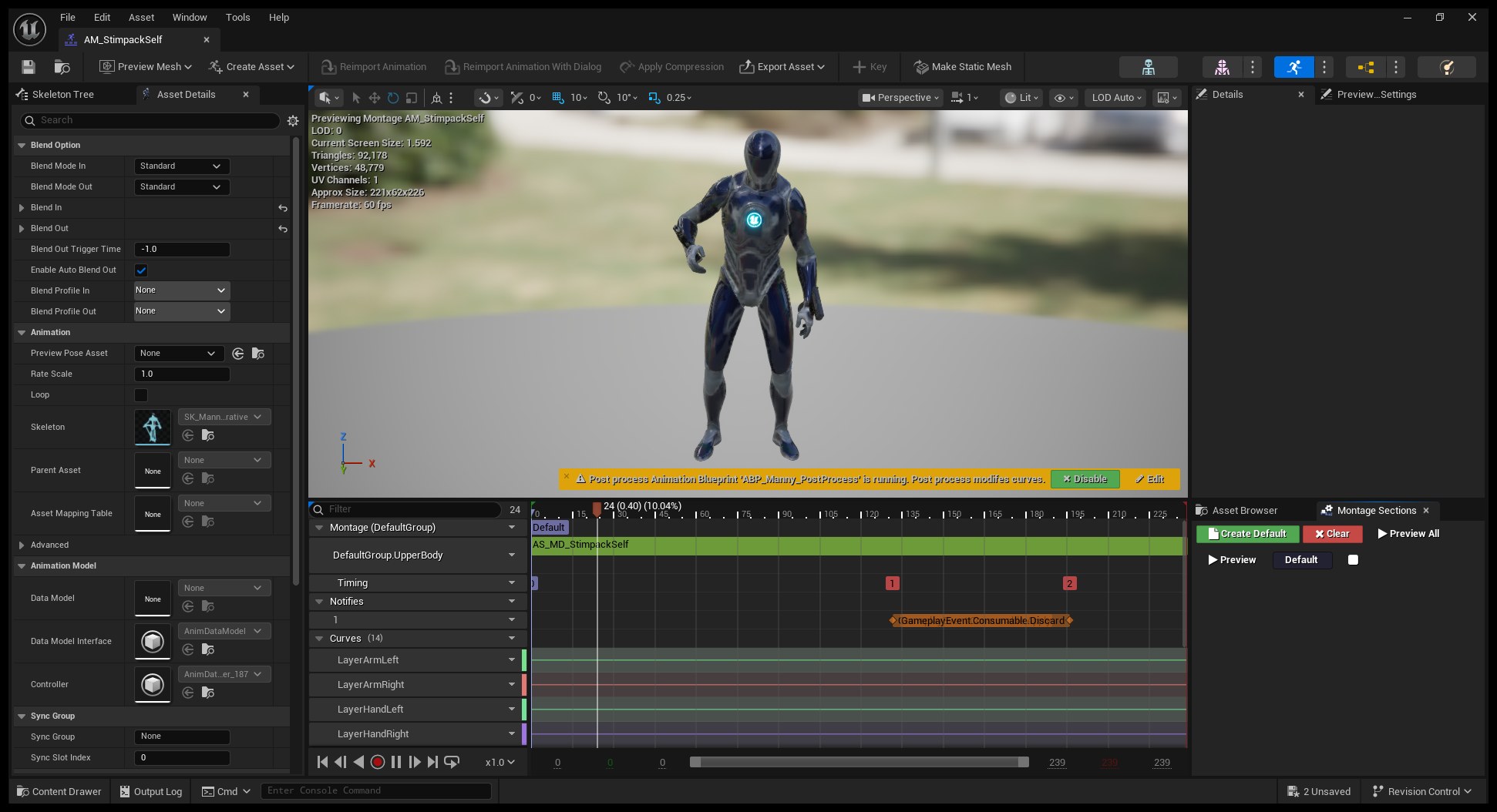
This is Unreal’s own montage editor, open on a montage MontageForge built from a recipe: the clip in its slot, the gameplay event where the needle goes in, and the curves that say which part of the body the move drives.

AM_StimpackSelf
Unreal’s montage editor on a montage built by MontageForge: a character in the viewport, the clip on the upper-body slot, a GameplayEvent notify and layer curves on the timeline
A self-injection move, built from its recipe: one gameplay event, the upper body only.
Timeline
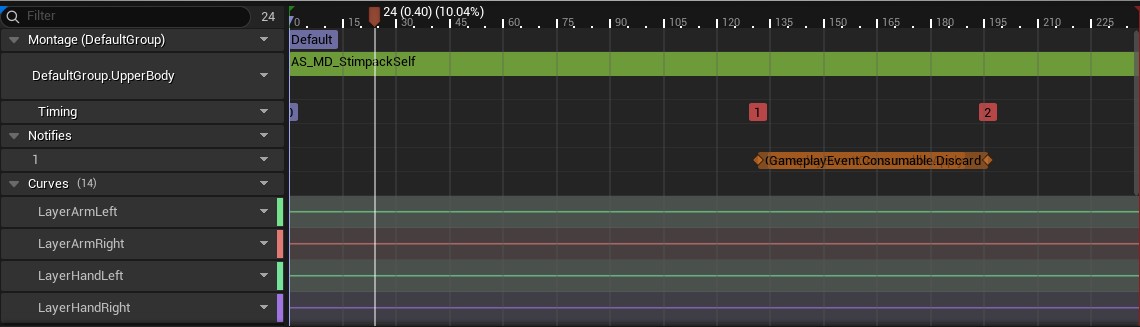
The montage timeline: the clip in the upper-body slot, a GameplayEvent.Consumable.Discard notify and four layer curves for arms and hands
TimelineThe event sits where the recipe put it, as a share of the clip.

The film

From a sentence to a move in your game.

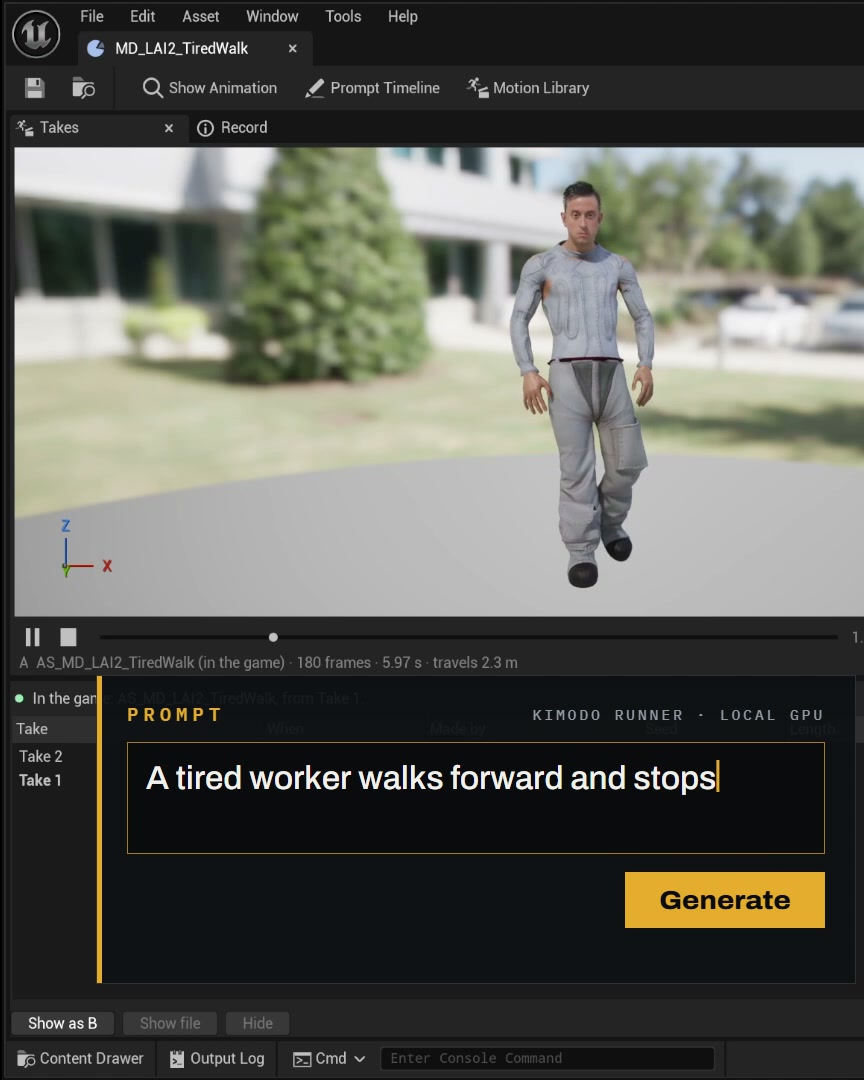
A motion generated, built into a montage and played by an ability.

What you can do with it

MontageForge

Events where you put them.

Your ability hears the moment it happens.

Place a gameplay event at the point in the clip where it counts: the needle goes in, the hand touches the panel, the blow lands. When the montage plays, the event goes to the character, and the ability waiting for it acts on time, not on a timer.
MontageForge

Regenerate without losing your work.

Timings follow the clip, whatever its new length.

Events are placed as a share of the clip, so “sixty percent through” still means the same moment when the animation comes back a second longer. Nothing rebuilds by itself, and a rebuild never replaces your hand-tuning unless you say so. Nudge the timings in the montage editor, then read them back into the recipe so the next build starts from what you decided.

MontageForge

Play it while walking.

Arms and torso from the montage, legs from locomotion.

Choose which parts of the body the montage drives, as a body mask you save once and reuse. A talking gesture moves the arms and leaves the spine to the walk; a reach takes the spine too, so the lean happens. Or play it full-body and hold the character still until it ends.

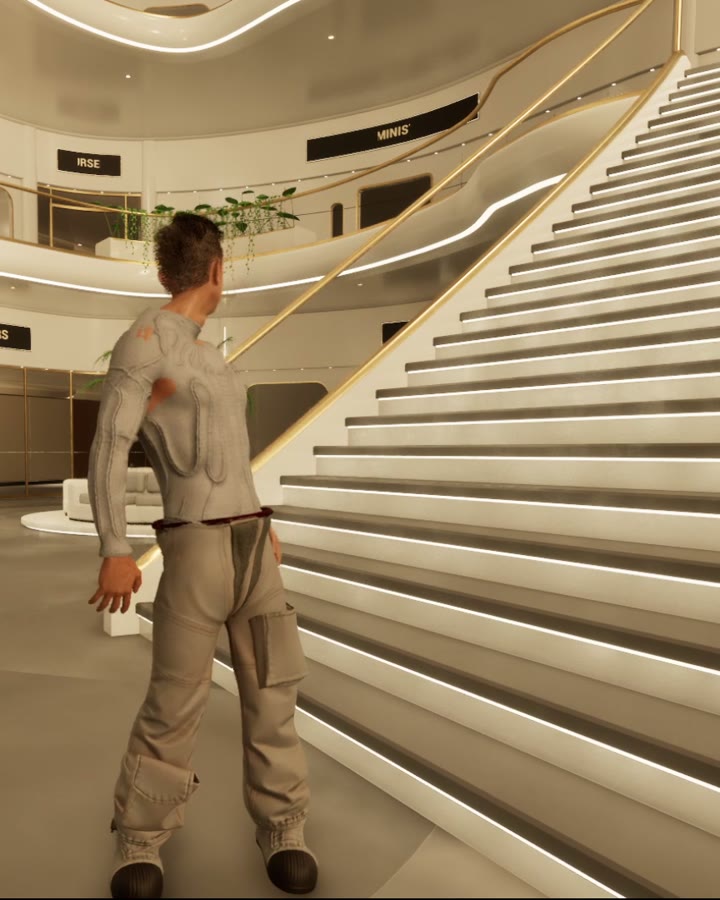
A generated motion on a character in the MotionForge window
MontageForge

Nothing that uses it breaks.

A rebuild updates the montage in place.

Abilities, items and dialogue lines that point at the montage keep working when it is rebuilt, because it is the same asset. Blends start from the values most hand-made montages use, so a generated clip eases in like the ones around it.

What is inside

What comes with it

Two small assets and one build. It knows nothing about your game, so it works in any of them.

01

Montage Recipe

The clip, the slot, the blends, the body mask and the events. The recipe is the source; the montage is built from it.

02

Curve Preset

A body mask, saved once: which parts of the body a montage drives over locomotion.

03

The gameplay event

An animation event that sends a gameplay tag to the character. The one piece most projects end up writing themselves.

04

Play styles

Move freely while it plays, or hold still until it ends.

What it needs

Unreal Engine 5.8

With the Gameplay Abilities plugin that ships with the engine.

An animation

Anything: from MotionForge, from capture, or keyframed by hand.

An animation blueprint with slots

For layered montages, the curves your blueprint reads. Copy them from a montage that already works.

Price

Free

MontageForge is free.

Early access · v0.1.3

In the Hub

The free Hub installs MontageForge, keeps them up to date, and gets new versions to you first.

This tool is free. If it saved you time, you can support its development.

Support Kovati →

Questions

Asked before you start.

Does it only work with MotionForge?+

No. Any animation sequence works. MotionForge is simply where most of ours come from.

How do I build a montage?+

Fill in a recipe, then build it from a Blueprint, a line of Python, or by asking an agent. Many recipes build in one go, and one that fails does not stop the rest.

Does it assign the montage to my ability or item?+

No, on purpose: that step belongs to your game and your framework. It is one drag per clip, and the montage it built is the hard part.

My layered montage plays but nothing moves. Why?+

The slot is listening for body-mask curves the montage does not carry. MontageForge reports how many curves it stamped, so a layered build with none is easy to catch.

Do I have to use AI?+

No. Every step works by hand. AI and agents are there when you want a first draft or want the repetitive work done for you.

What does it cost?+

You start with the free tools. Some tools, add-ons and kits are paid, and you see the price before you buy. Pro, for teams, is a subscription.

Can I ship what I make in a commercial game?+

Yes. What you make is yours. AI providers have their own terms, and each add-on that uses one says which.

Which version of Unreal do I need?+

Unreal Engine 5.8.

Your clips, playing in your game today.