MeshForge is the workshop. These plug into it, and agents can drive every one of them.
01
Edit in Blender
A post step. Opens the mesh in Blender in the middle of the chain; one click sends it back with its materials slot for slot, as a new version. Skinned garments keep their skeleton, weights and morphs.
02
Meshy retexture
A post step. A new surface on the same geometry from a description, one picture or up to four, at 2K, 4K or 8K. Works on any mesh, yours included.
03
Tripo retexture
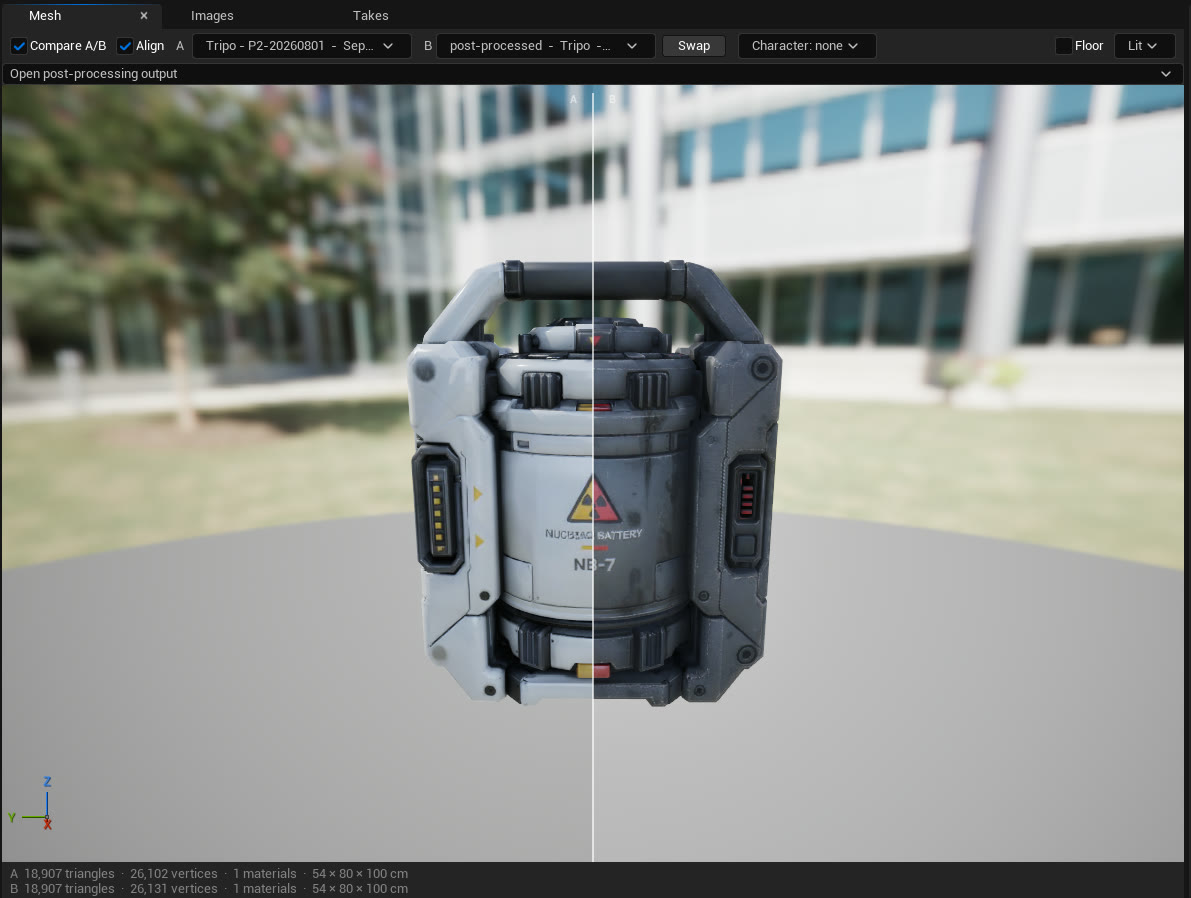
A post step. Re-textures from the model itself, a style prompt or pictures, with PBR and baked lighting removed. Works on any mesh.
04
Lux3D retopology
A post step. Rebuilds a mesh to a face budget in quads or triangles, and can bake base colour, metallic and roughness onto the new one. Works on any mesh.
05
Lux3D material transfer
A post step. Repaints a mesh from a picture. Works on any mesh.
06
Sculpt in the editor
A post step. Sculpt, smooth, lattice and bend or twist a working copy inside Unreal, with your references beside it.
07
Garment fit
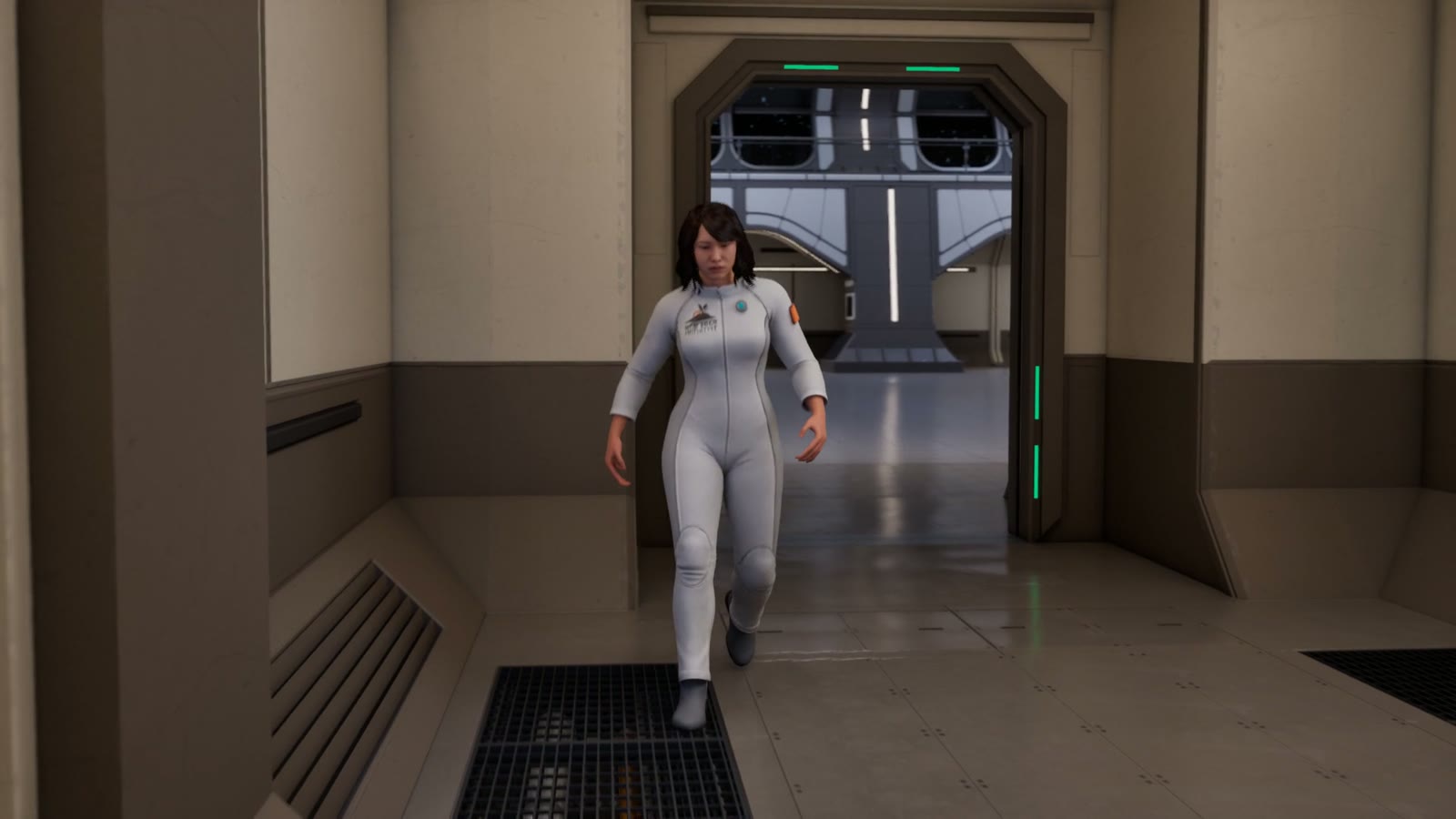
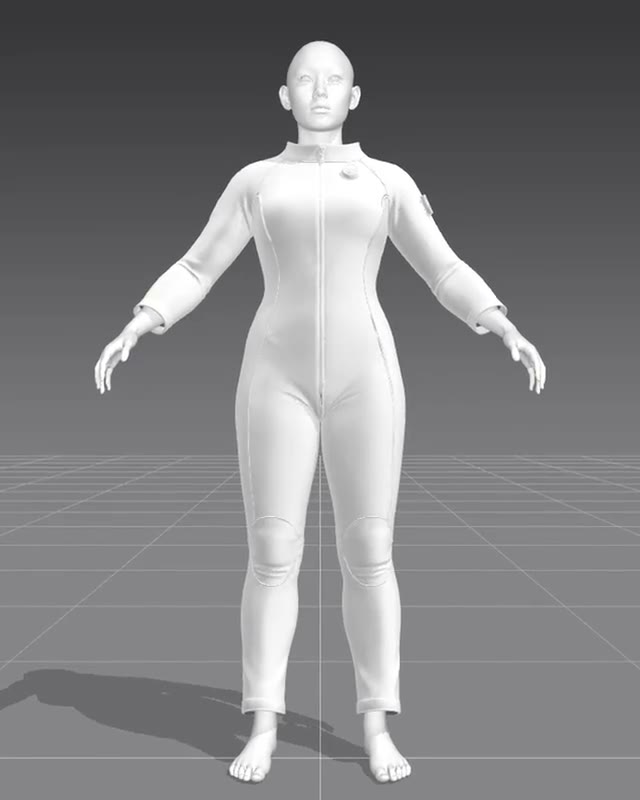
A post step of MeshForge Garment. Wraps a garment around your character’s body: a type (thirteen, from T-shirt to helmet), a fit from tight to oversized, and the clearance in centimetres.
08
Wardrobe skinning
A post step of MeshForge Garment. Skins the fitted garment to the character’s skeleton, with bone profiles per garment and sculpting in pose.
09
MeshForge Garment for MetaHuman
Turns one fitted garment into one outfit for every body made with the MetaHuman sliders. Part of MeshForge Garment, at its price.
10
MeshForge TRELLIS
An early preview in Labs. Microsoft TRELLIS.2 on your own graphics card or a rented one, from one picture, free per take, and concept pictures drawn locally with FLUX.2 or SDXL. It needs a lot of graphics memory.
11
MeshForge Toolset
Lets an agent drive every step you can: engines, prices, generating, importing, post steps and workflows.
12
Garment toolsets
The fit, the skinning, the Garment Studio and the MetaHuman outfit, for agents too.