
Animation

Motion production playbookPlaybook$39.99Coming soon

Runs through Uthana, NVIDIA Kimodo

Generated motion that plays right in your game.

A generated take is the easy part. This is the rest: getting it onto your character without a twist or a double-speed clip, judging whether it is right, and turning it into gestures and actions your game plays over walking and running. Taken from animating our own cast.

Made with MotionForge

From a sentence to a scene.

Typed, generated on the character’s own skeleton, compared take against take, and placed in a scene.

One prompt, one character, two engines: NVIDIA Kimodo on the left, Uthana on the right.
BodiesOne generated clip on three different bodies.
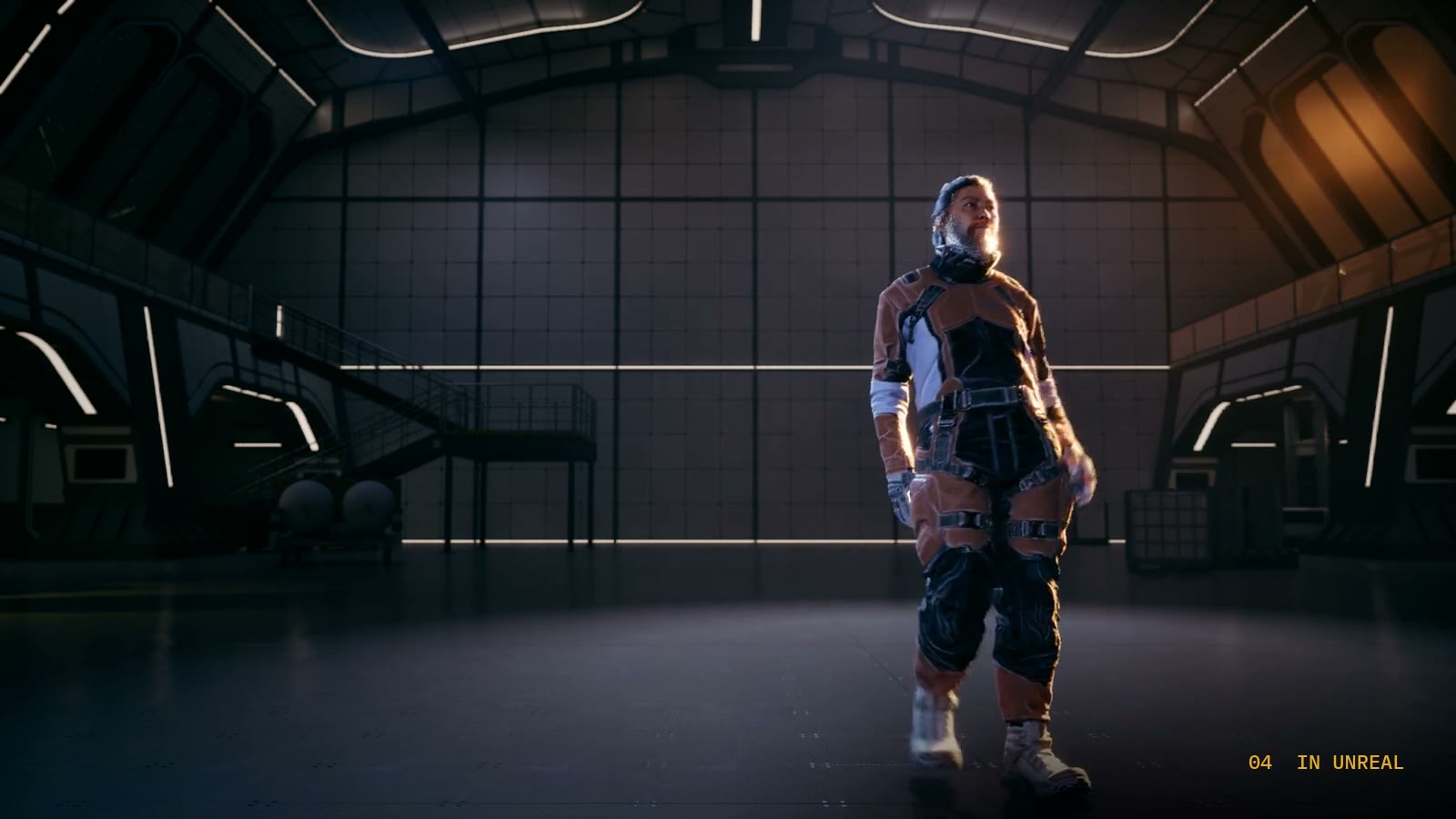
UthanaAn Uthana take, in our hangar.
KimodoA Kimodo take: she kneels to the flowers.

What you learn to do

Motion production playbook

Generate on your own skeleton.

The best retarget is the one you never run.

Give the motion service your own character once, and every take comes back on your skeleton: a strict subset of its bones, mapping one to one. No Blender round trip, no retargeter, at the service’s own frame rate. For characters built from parts, one retarget onto a hidden driver, and every part simply follows it.
Motion production playbook

Know when a clip is wrong.

Logs pass while the character lies on its side.

Look at it beside the service’s own viewer first. Then the checks that name the bug: subtract the root before comparing, print every joint’s error instead of an average, and divide frames by duration to catch a clip playing at double speed. Every take carries a record of who made it and how.

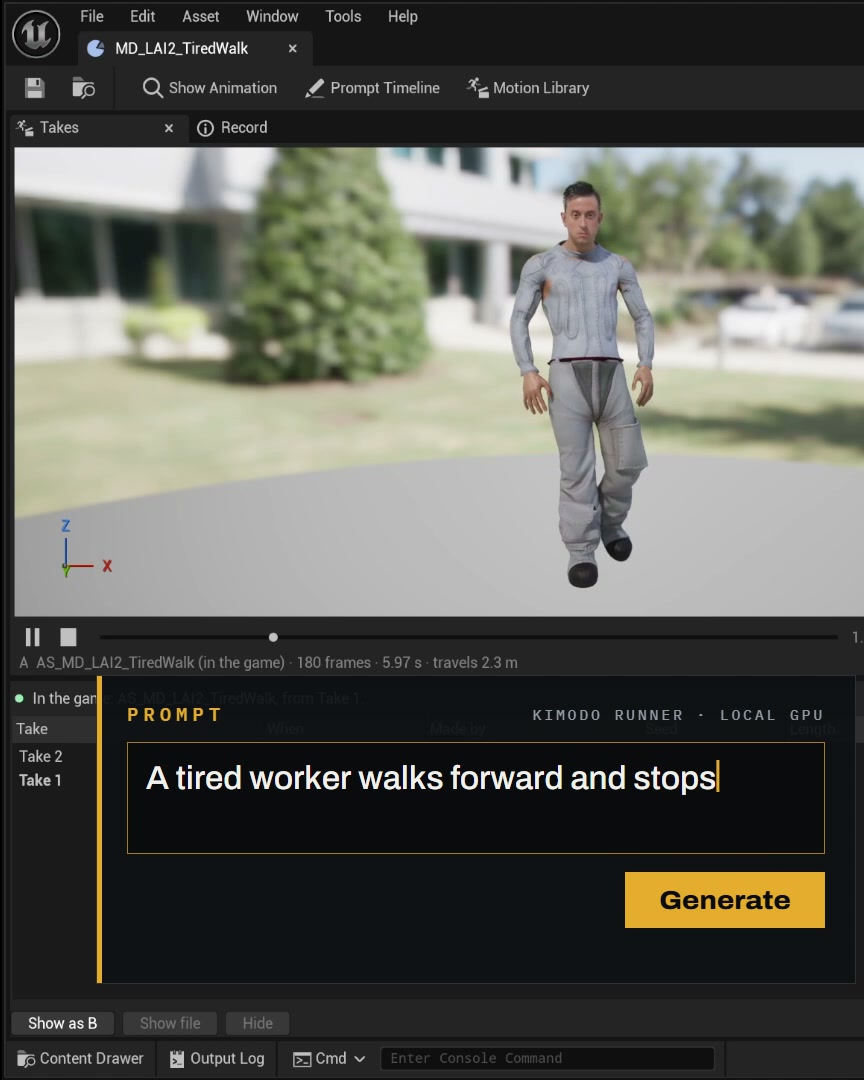
The MotionForge panel with the prompt “A tired worker walks forward and stops”, beside the generated walk
Motion production playbook

Prompts that hold a pose.

Every beat names the pose it acts on.

A beat continues the body of the one before, but not its words. “Holds perfectly still” lets the arm drop; “holds the arm motionless in the previous pose, up” keeps it raised to the last frame. And when a limb ends up inside the body, regenerate it: we measured correcting it, and it does not work.

What is inside

What is in the playbook.

Production knowledge from animating our own cast. Every step works by hand; the skills let an agent run and check the repetitive parts.

01

The production guide

Generating, importing, judging, retargeting and turning clips into gameplay, in the order that works, with the numbers we measured.

02

Clip checks

Root-relative comparison, per-joint error, frame-rate and orientation checks you can run on any clip, from any source.

03

The prompt guide

How to write beats that hold, with the wordings that failed beside the ones that worked.

04

Gesture library recipe

Which gestures to make, how to mask each one, and how to assign them to every reading of a line.

05

Agent skills

Skills for each stage, including when to send a take back instead of fixing it.

06

Licence notes

Which motion models and datasets you can ship from, which you cannot, and how to keep a record so a swap stays cheap.

What it needs

Unreal Engine 5.8

Everything ends up as ordinary animations and montages.

MotionForge

Free. With Kimodo on your own graphics card, or Uthana on your own account.

Your character

A MetaHuman, the Unreal mannequin, or your own skeleton.

Works best with

MontageForge, free, for turning clips into montages.

Price

$39.99

Paid, bought once. MotionForge and its engines stay free; this is the know-how for shipping what they make.

Coming soon. Where to get it, once it is out:

In the Hub

Once it is out, the free Hub installs Motion production playbook, keeps them up to date, and gets new versions to you first.

Bought once, updated until 2.0

Buy before version 2.0 and it is yours to keep, with every update until 2.0: early access, beta, 1.0, up to 1.99. Version 2.0 is the first paid upgrade, discounted for owners.

Questions

Asked before you start.

Is this the same as MotionForge?+

No. MotionForge generates the motion and is free. The playbook is what we learned getting generated motion right in a real game: import, checks, retargeting, prompts and gameplay.

Does it only work with generated motion?+

No. The import fixes, the checks and the montage set-up apply to any clip: bought, captured or keyed.

Do I need Narrative Pro?+

No. Our game uses it, so the guide names its layer curves and slots, but the method works with any animation blueprint that layers the upper body.

When can I get it?+

It is coming. Leave your email and you hear the day it is out.

Do I have to use AI?+

No. Every step works by hand. AI and agents are there when you want a first draft or want the repetitive work done for you.

What does it cost?+

You start with the free tools. Some tools, add-ons and kits are paid, and you see the price before you buy. Pro, for teams, is a subscription.

Can I ship what I make in a commercial game?+

Yes. What you make is yours. AI providers have their own terms, and each add-on that uses one says which.

Which version of Unreal do I need?+

Unreal Engine 5.8.

Motion you can ship, not just generate.