01ToolSpeechForge
Every line, spoken.
Generate a voice, or bring your own actors.
Write a line and hear it in a voice that fits the character, or drop in your recorded takes. Every take is kept, so you can always go back to an earlier one.
One account for every tool. Sign in once; the Hub installs what you own.
Sign inNarrative design and performance for solo developers, indie and AA teams
Write the dialogue, voice it, translate it, and watch the face act it out, right inside Unreal. It works with any dialogue system, or none. For narrative designers, writers and the teams around them.
The film
Written, voiced, translated and acted, then playing in the game.
Generate a voice, or bring your own actors.
Write a line and hear it in a voice that fits the character, or drop in your recorded takes. Every take is kept, so you can always go back to an earlier one.
Lip sync and emotion, solved from the audio.
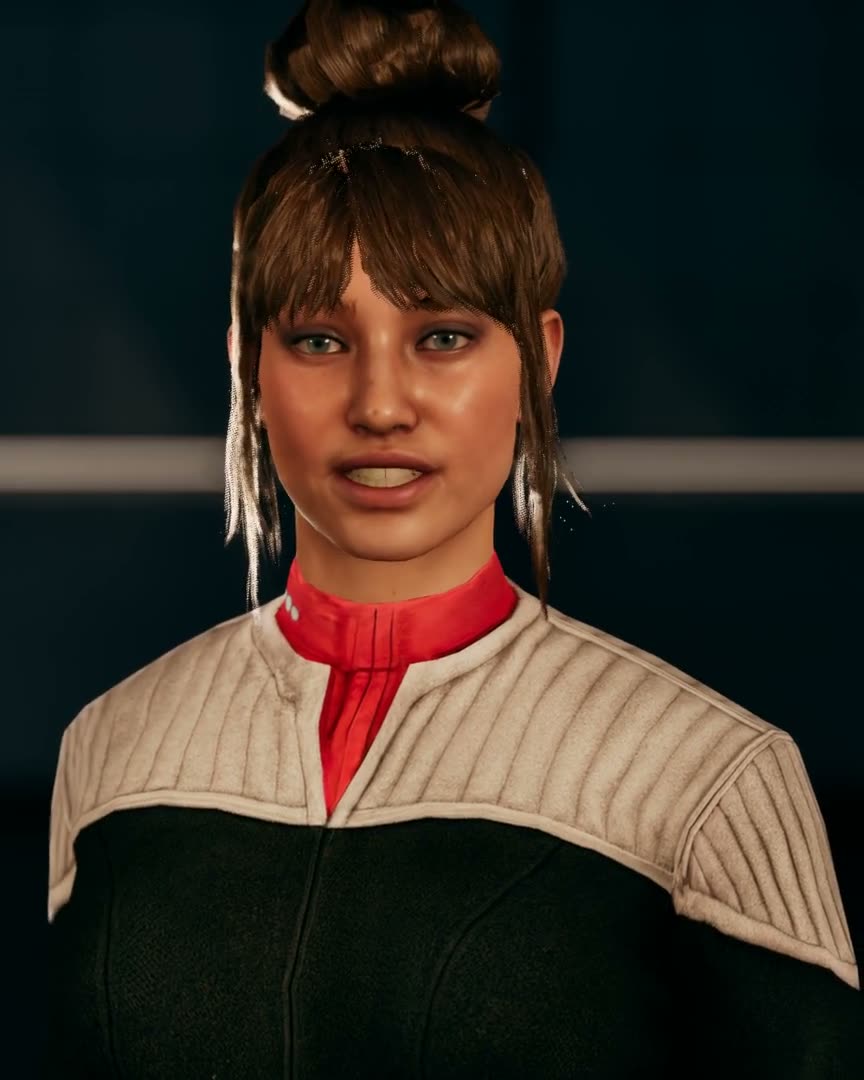
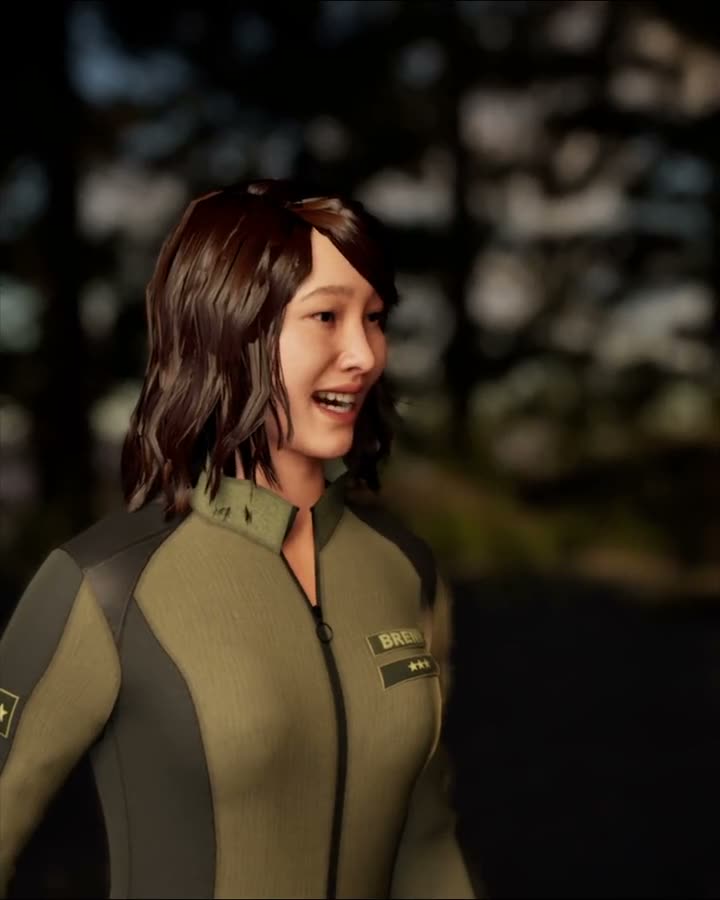
The face moves with the line: lips, jaw, eyes and emotion, on MetaHuman faces. Run it on your own GPU or in the cloud.
Translate the lines and voice them again.
Translate the whole script, voice it in each language, and the faces follow. Localisation stops being the last thing you do.
A performance-capture stage inside the editor.
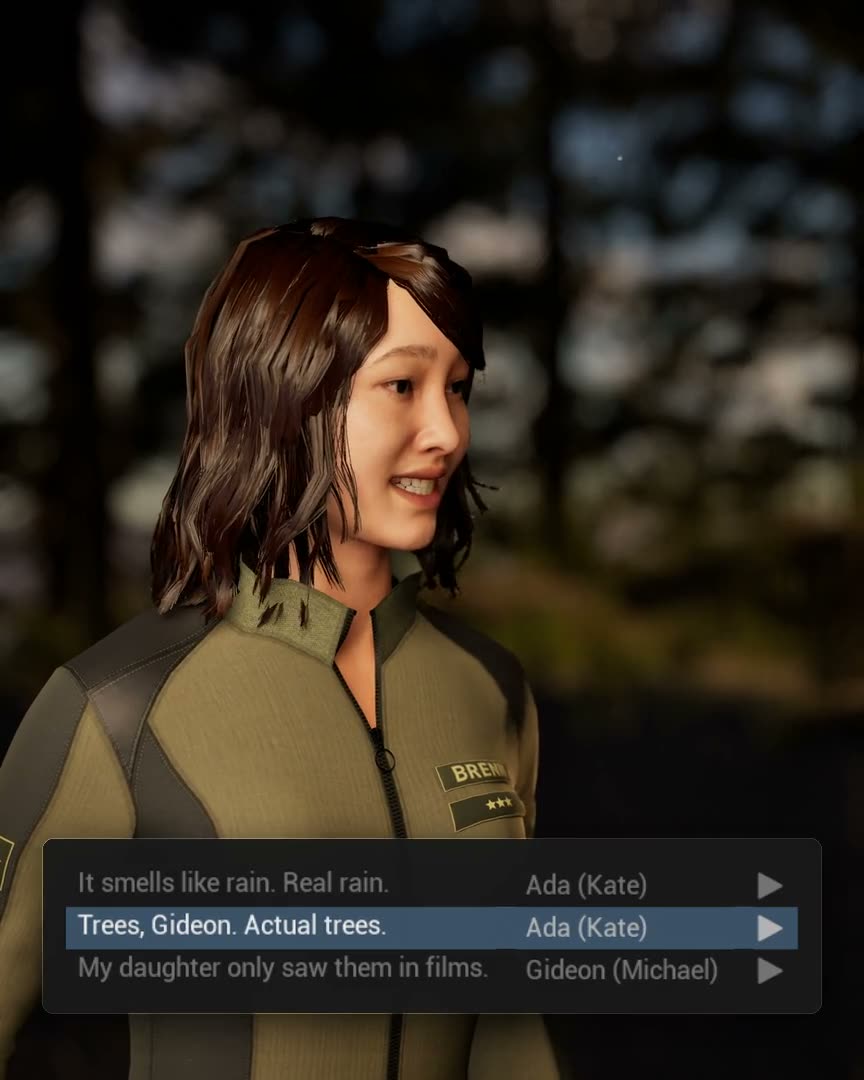
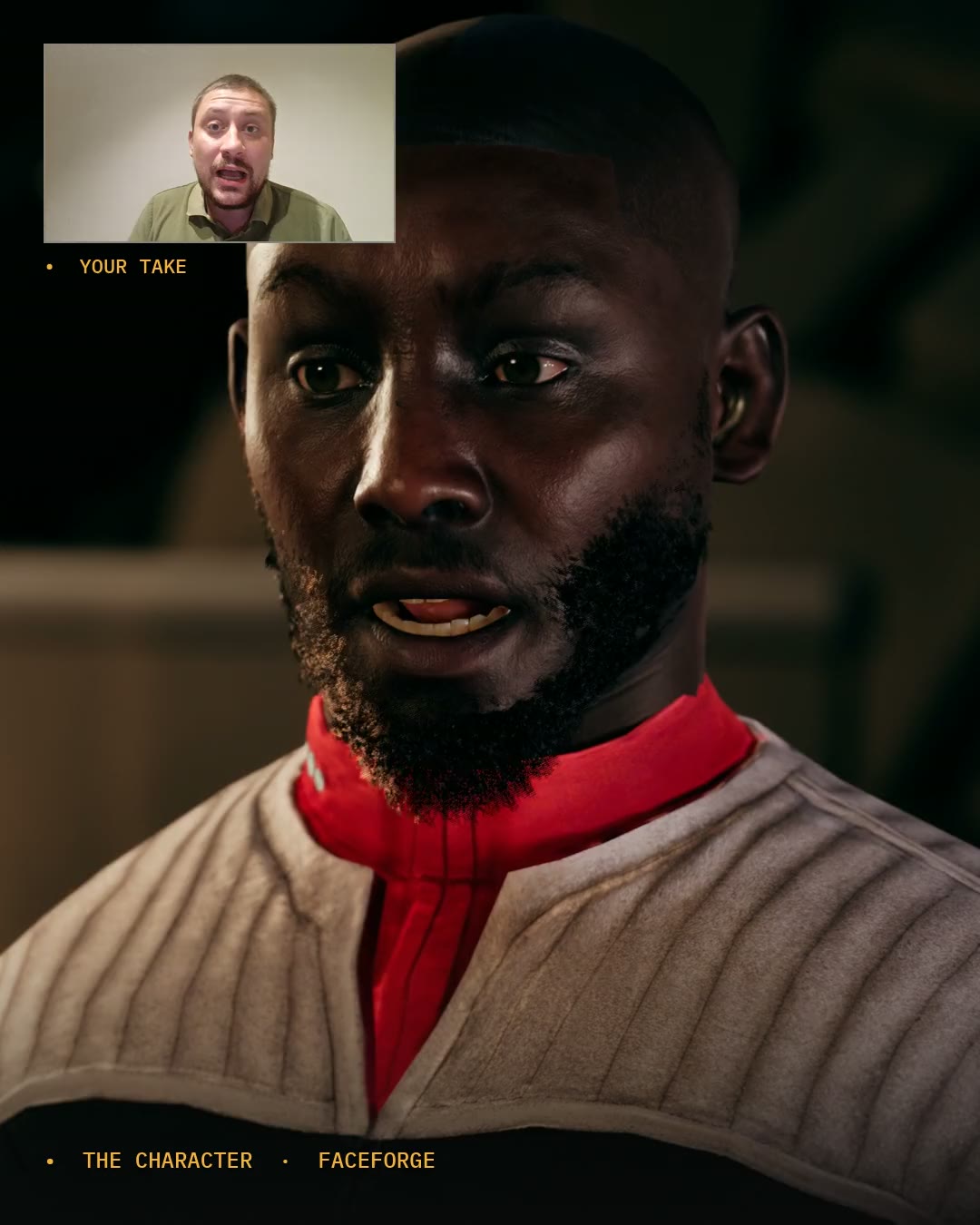
Record your face and voice with a webcam and put the performance straight on the character. Direct the scene and play every part.
Voice, face and subtitle, together, on any character.
Put the line player on a character and call one line: the voice, the face and the subtitle play as one. It works with your own Blueprints or any dialogue system. Using Narrative Pro? Add-ons connect the whole pipeline to it.
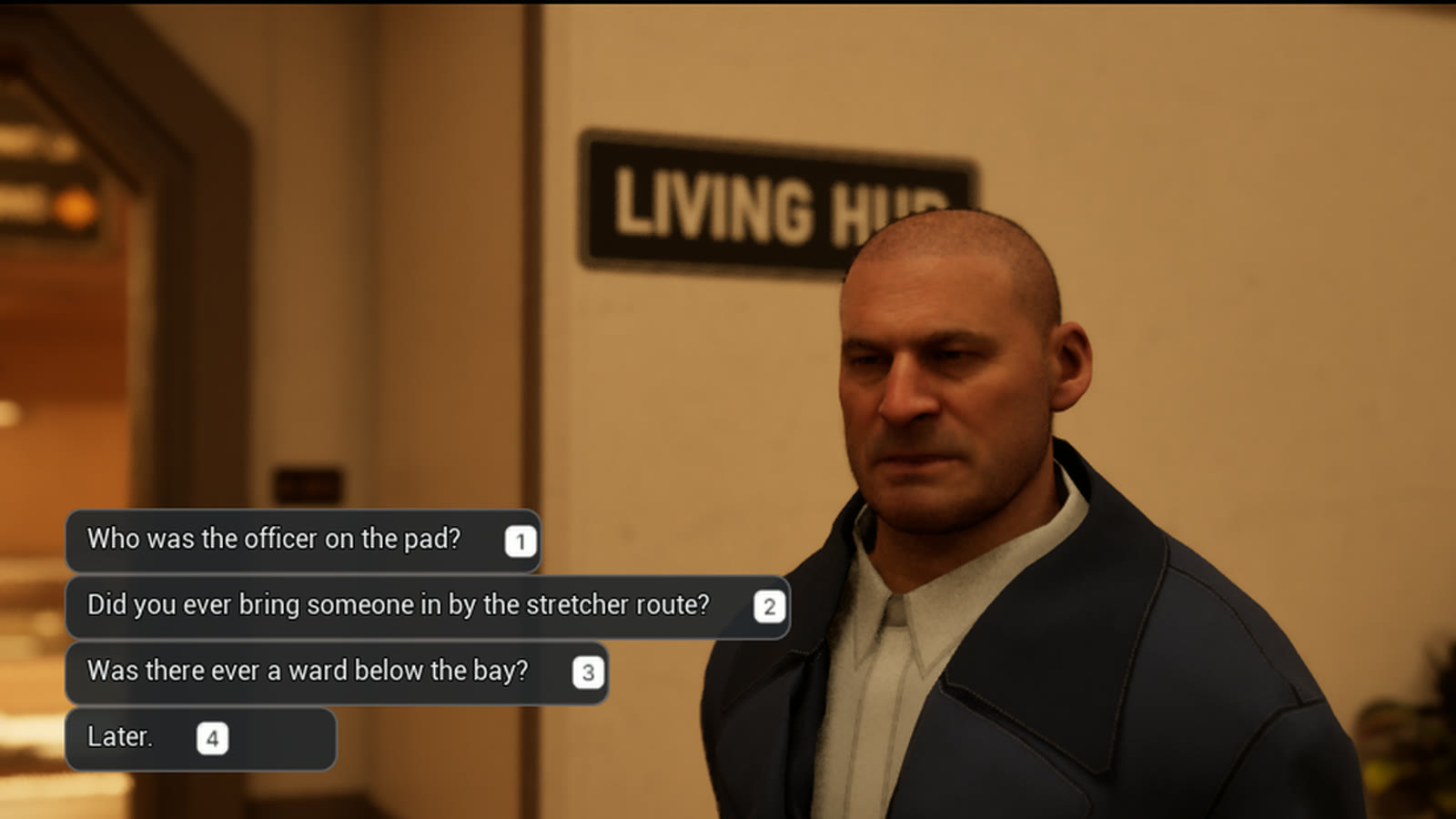
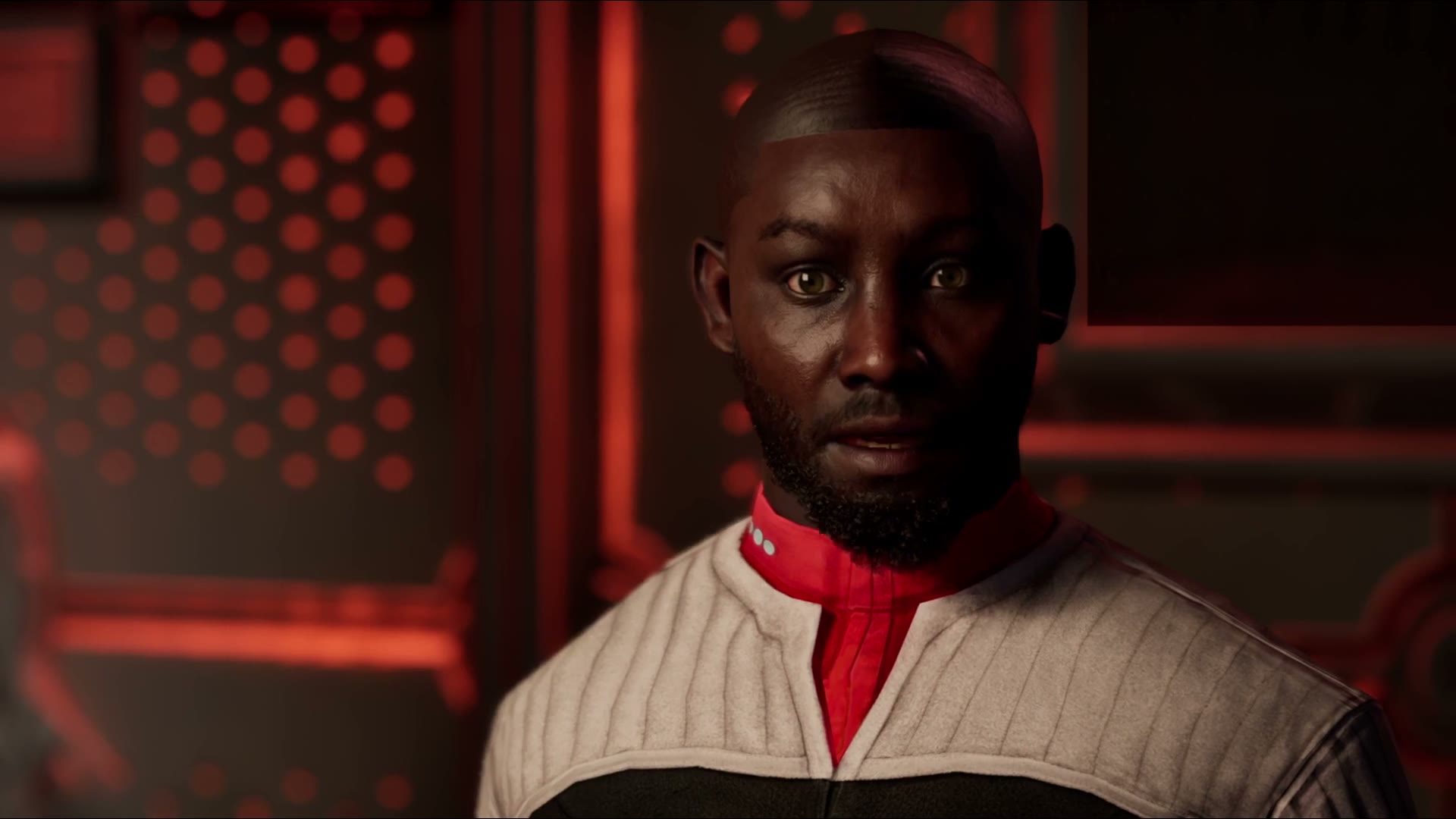
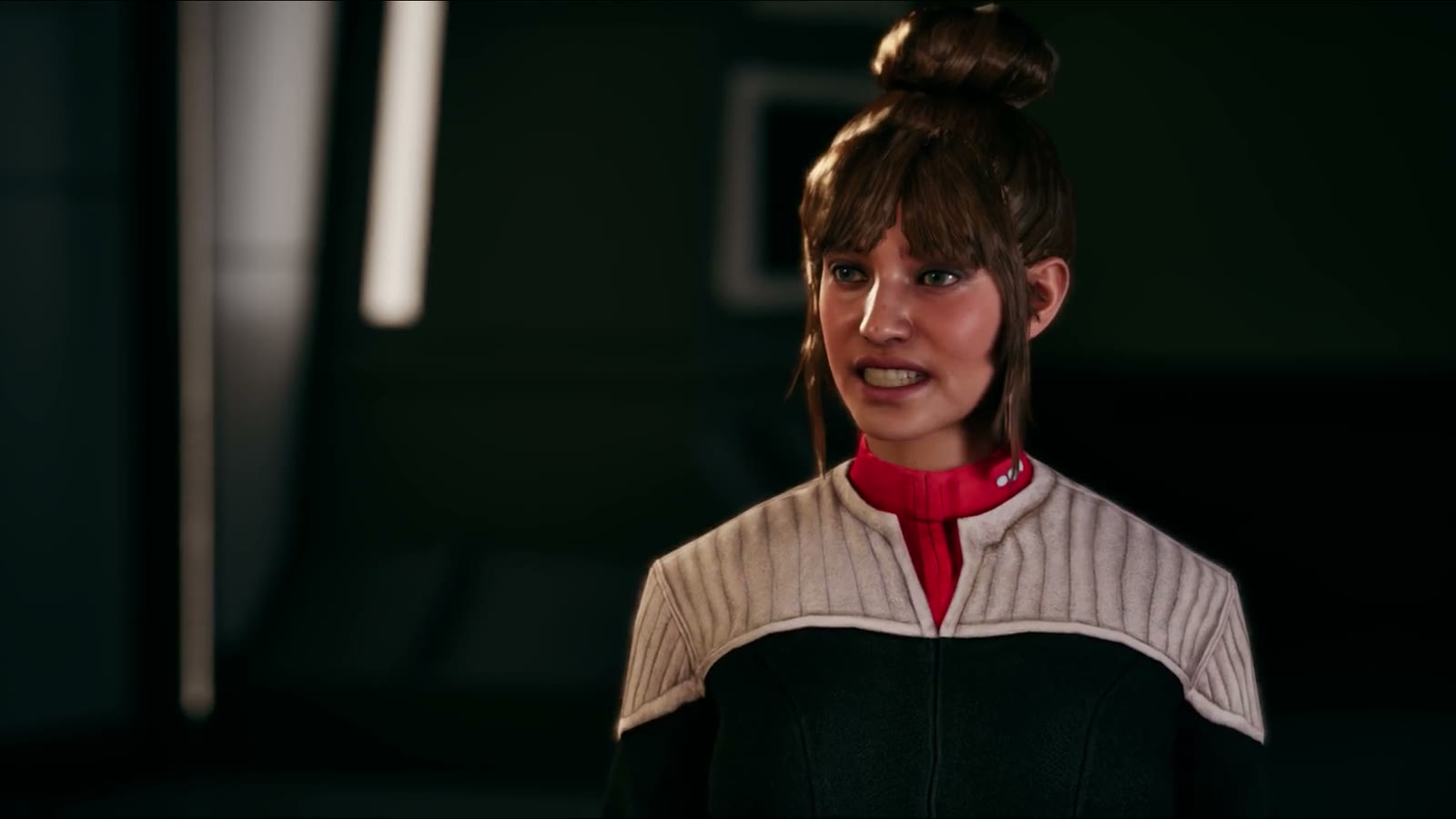
Seen in Colony: Filed at Dawn
Early alpha footage · made in 3.5 days for the 2026 Epic AI MegaJam
How it works
Write every line, record your own actors, direct every take. No AI needed.
Draft a voice or a translation with a model, then keep only what fits.
Let an agent voice, translate and sync a whole script. You review every take.
Unreal Engine 5.8
Everything runs inside the editor.
A script
Lines you wrote, or recordings you already have.
For AI steps
Your own GPU, a rented one, or an API key. You see the price before you spend.
Start with the free tools. Add the rest when your story needs it.
Questions
No. Everything here makes standard Unreal assets, voice audio, face animation and subtitles, and the line player plays them on any character. If you do use Narrative Pro, add-ons connect it.
Yes. Drop in recorded takes and they go through the same steps as generated ones: faces, translations and playback.
Any language the translation and voice services you choose support. Each add-on lists its languages.
No. Every step works by hand. AI and agents are there when you want a first draft or want the repetitive work done for you.
You start with the free tools. Some tools, add-ons and kits are paid, and you see the price before you buy. Pro, for teams, is a subscription.
Yes. What you make is yours. AI providers have their own terms, and each add-on that uses one says which.
Unreal Engine 5.8.
Your first scene is free to voice.
Start free