
Worldbuilding

SurfaceForgeToolFreeEarly accessv0.1.2

Say the surface. Keep the one you like.

Describe a material in a sentence and get several to choose from. The one you pick comes back at full quality, every map wired into a material your level can use.

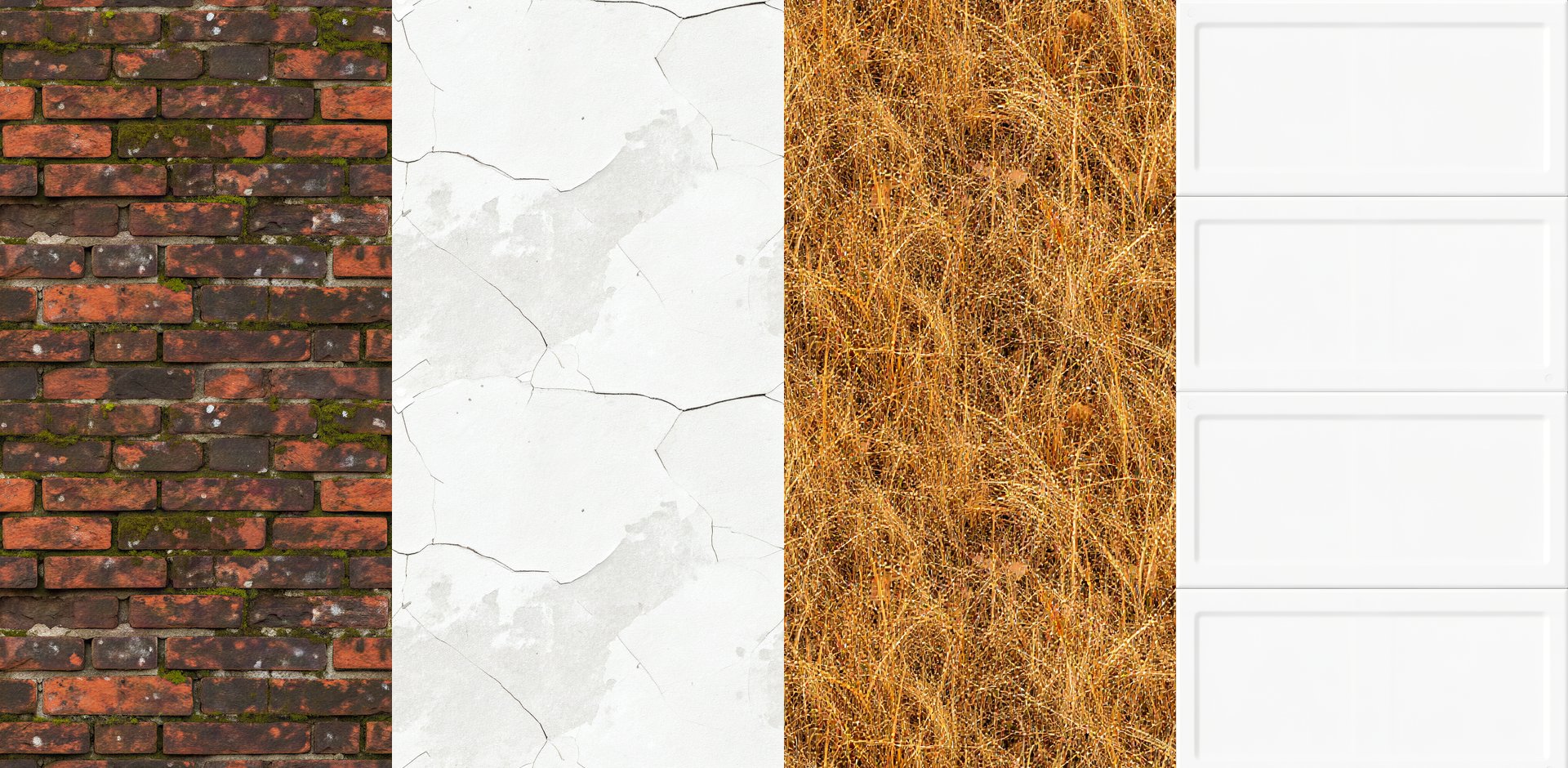
Four surfaces made with SurfaceForge: old brick, cracked plaster, dry grass and white wall panels

Made with SurfaceForge

One sentence, a whole material.

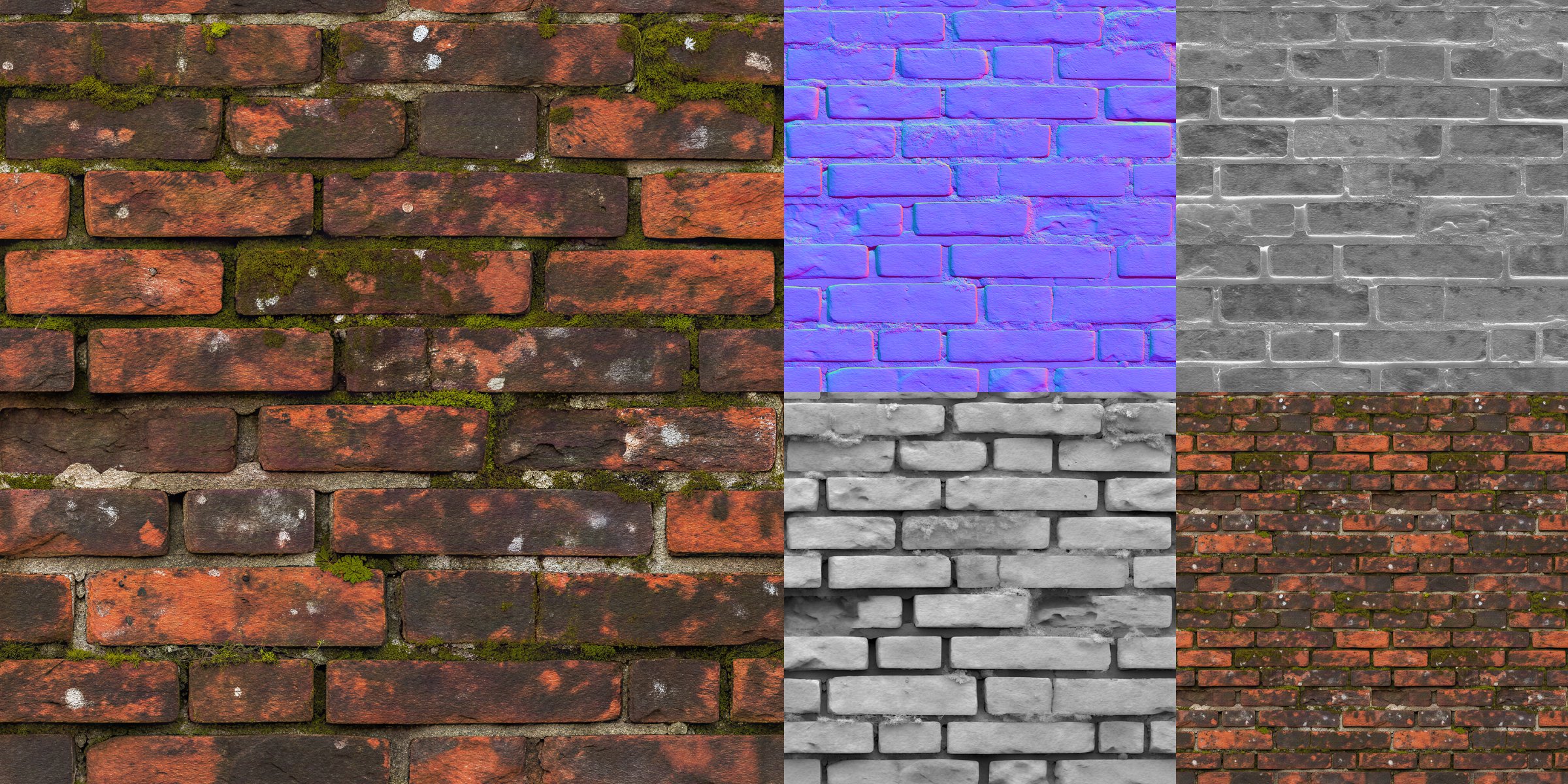
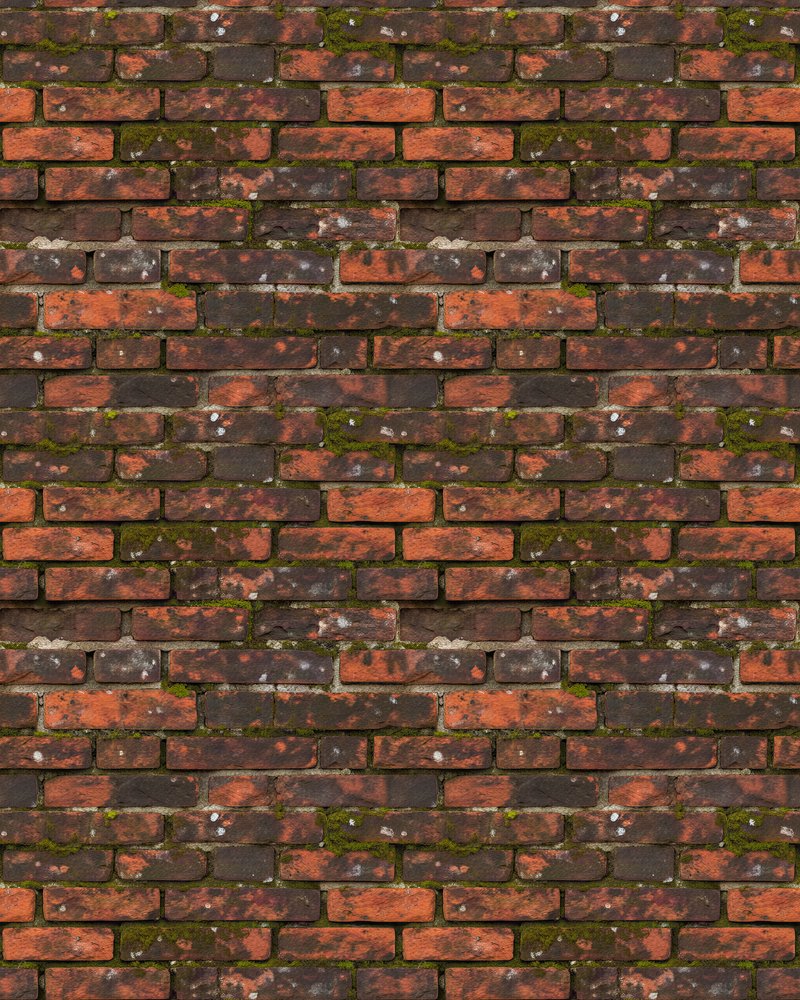
Base colour, normal, roughness and height, from the same seed, all tiling. Here, an old brick wall.

A generated brick material: base colour large, then its normal, roughness and height maps, and the colour tiled four times
The base colour, its normal, roughness and height maps, and the same brick repeated to show the edges meet.
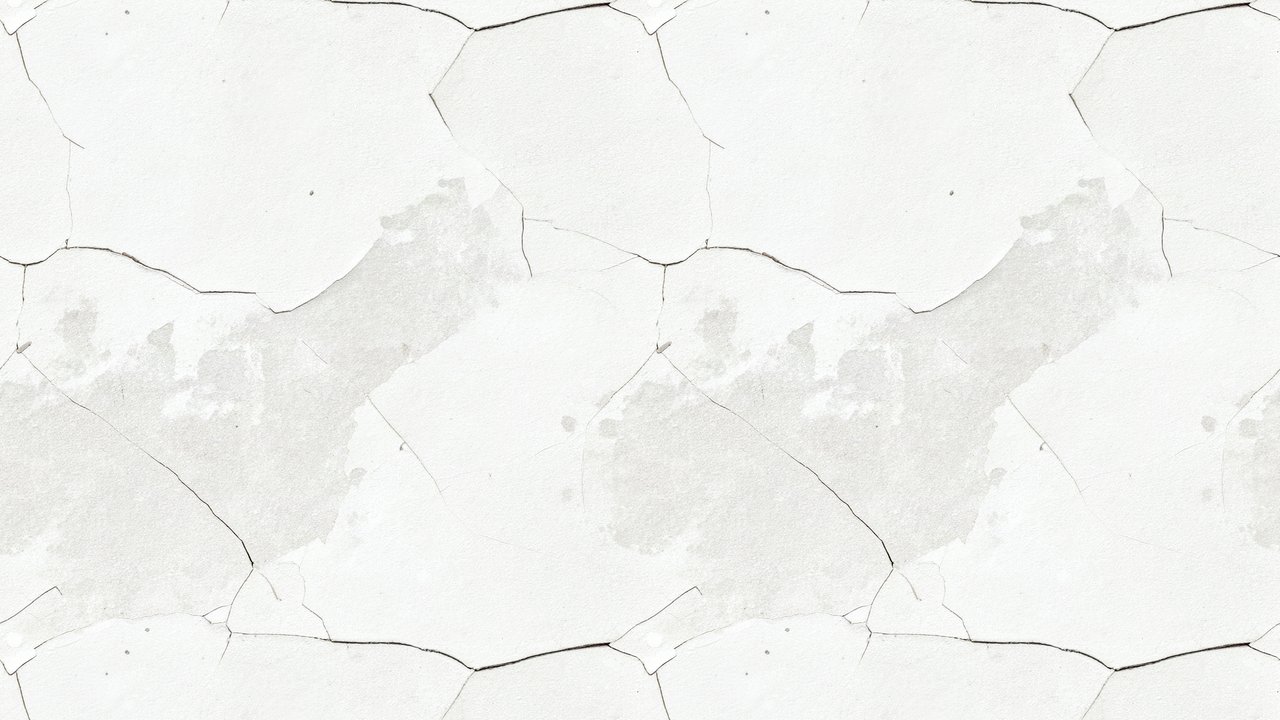
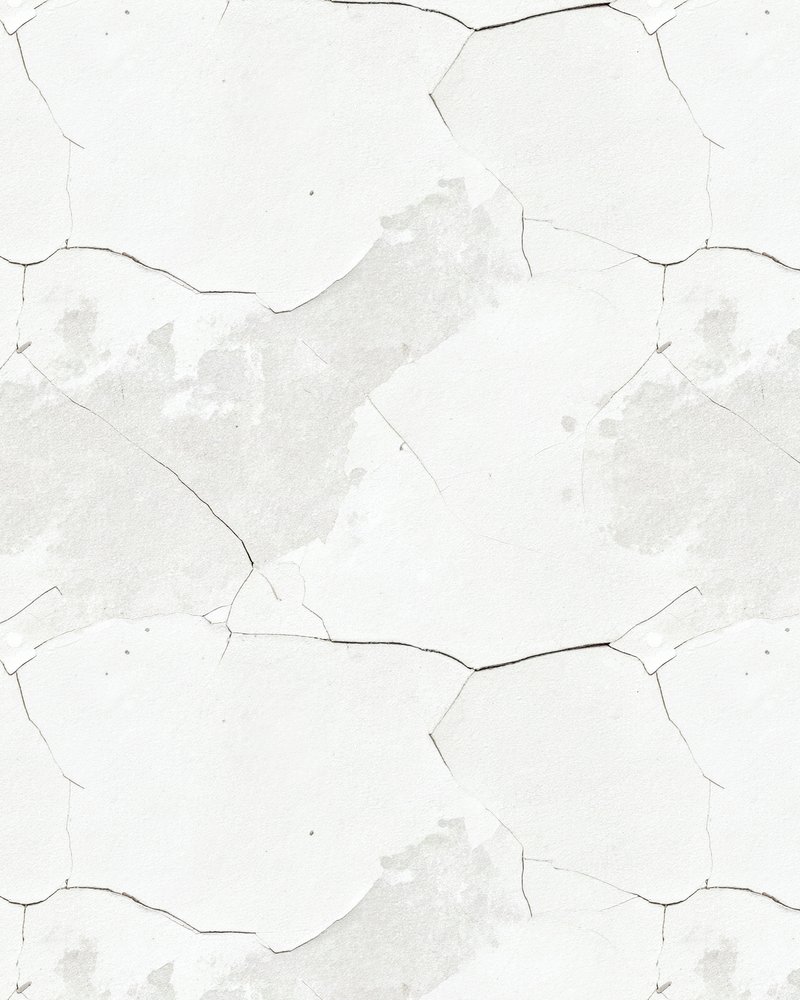
A white cracked plaster wall, tiled
Cracked plasterCracked plaster, repeated across a wall.
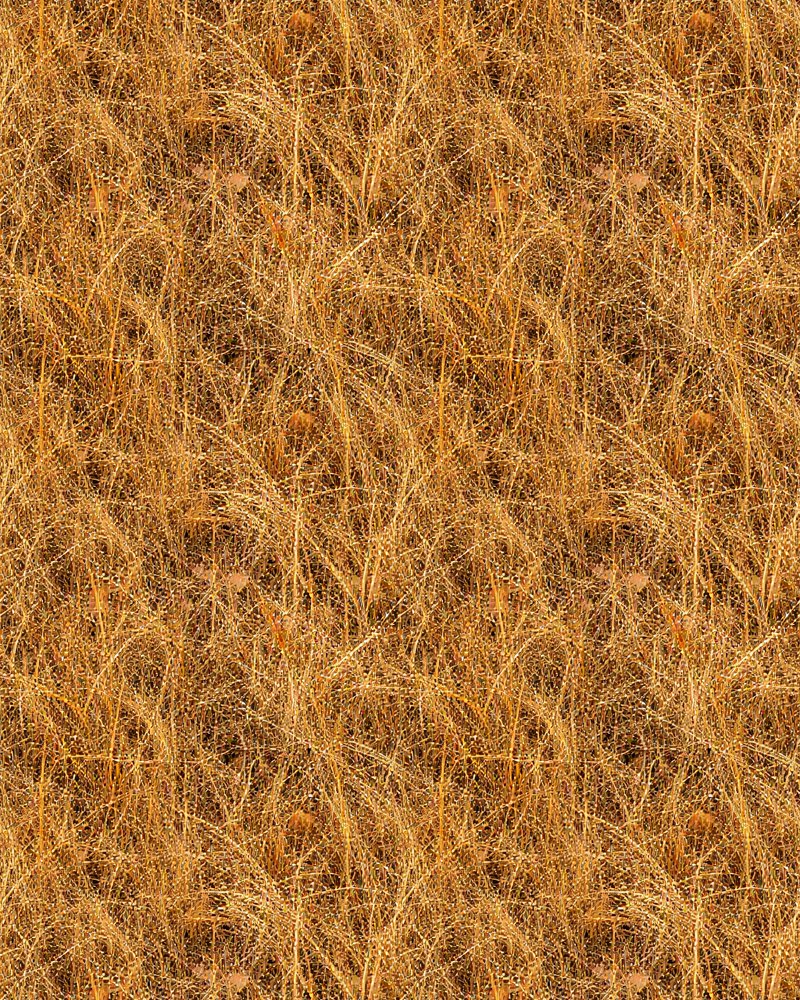
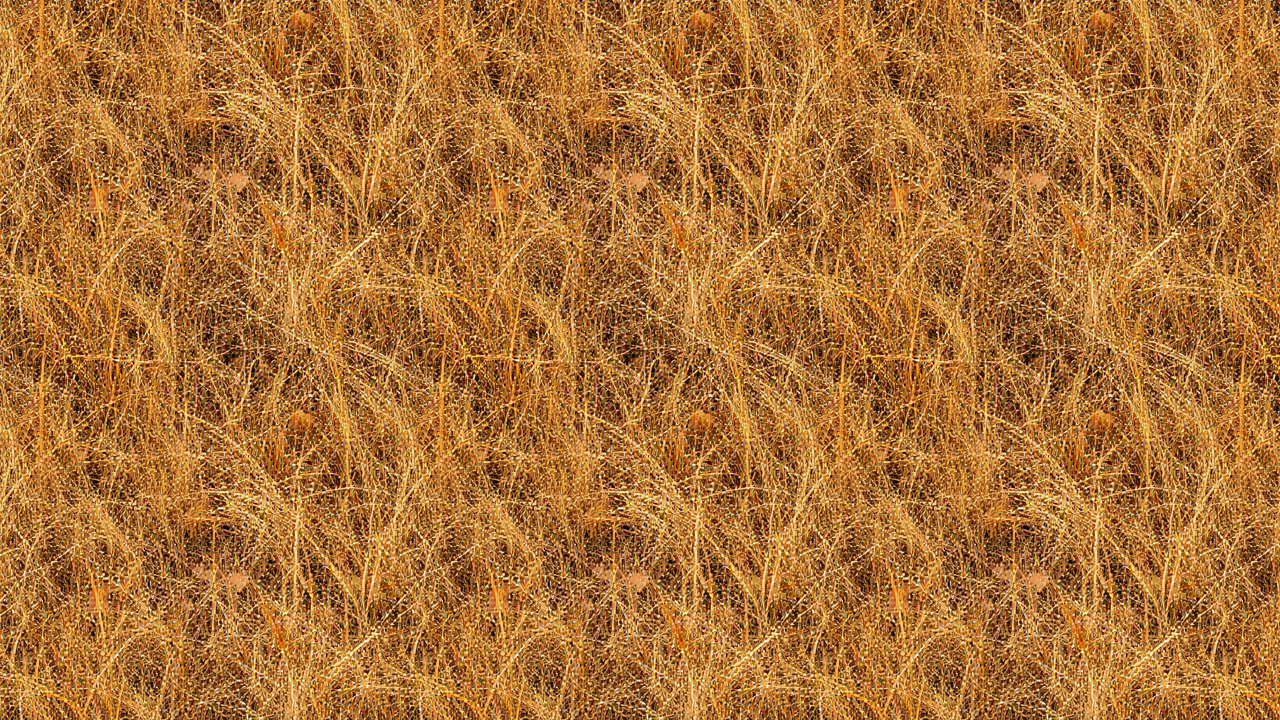
Dry golden grass, tiled
Dry grassDry grass, for the ground under your foliage.
White recessed wall panels, tiled
Wall panelsClean wall panels for an interior.

What you can do with it

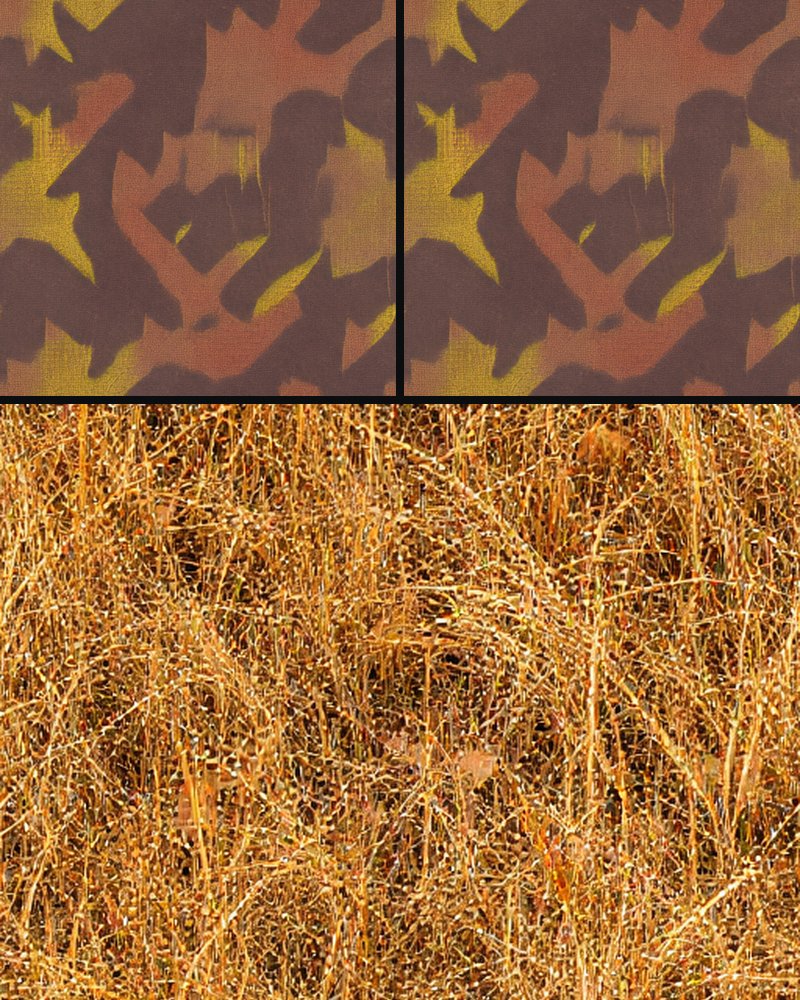
Three tries at dry grass: two read as camouflage, the third as grass
SurfaceForge

Several to choose from.

Quick previews first, the real thing after.

Write what you want and ask for a few. Previews come back fast, base colour only, so trying four rusts costs little. Some miss. Pick the one that is right and the rest go away.
The kept brick material, tiled
SurfaceForge

What you picked is what you get.

The full version starts from the same seed.

Each preview keeps the seed it came from. When you keep one, SurfaceForge makes it again from that seed at full quality and fetches every map the engine offers, so the finished material is the one you chose, not a fresh roll of the dice.

Cracked plaster material, tiled
SurfaceForge

A material, not a folder of textures.

Every map wired, sized in centimetres.

The maps import as textures and a material instance with all of them connected. Set how wide the surface is in centimetres and the same material fits a floor plate or a wall panel without making it again. Point it at your own master material and that one is used instead.

Dry grass material, tiled
SurfaceForge

Nothing is lost.

Every kept surface stays in your project.

Every map you keep is also saved as a picture in your project’s library, and it never expires, even when the hosted engine’s links do. Making a surface again replaces its own textures instead of piling up copies beside them.

What it needs

Unreal Engine 5.8

Everything runs inside the editor, from its own tab.

An engine to generate with

SurfaceForge Local: an NVIDIA card with 12 GB or more, Docker, and about 22 GB of disk for the image and models. Or SurfaceForge PATINA, hosted, on your own fal.ai account.

Price

Free

SurfaceForge and both of its engines are free. Local costs nothing to run; PATINA bills your own account, and you see the price before you press the button.

Early access · v0.1.2

In the Hub

The free Hub installs SurfaceForge and its add-ons, keeps them up to date, and gets new versions to you first.

This tool is free. If it saved you time, you can support its development.

Support Kovati →

Questions

Asked before you start.

Local or PATINA?+

Local runs on your own graphics card with no account and no fee, and makes maps at 512 pixels. PATINA is hosted on your own account and makes them up to 2048, or 8192 by enlarging. Pick per surface; both end in the same kind of material.

What does PATINA cost?+

What fal.ai charges, on your account. A full set at 1024 is about eight cents; enlarging that to 4096 brings it to about sixteen. The panel shows what the previews and the final version will cost before you start either.

Can I ship what it makes?+

The materials are yours to use in your game. The local model has its own licence, with use restrictions, and PATINA has its maker’s terms. Read both before you ship.

What is not finished yet?+

It is in early access. Choosing is done from flat tiles; a lit preview on a sphere comes next. No engine makes a cut-out map yet, so a decal covers its whole square. Surface kinds other than opaque and decal do not change the material yet. And the materials lean on the plugin’s own master materials, so copy those into your project before you remove it.

Do I have to use AI?+

No. Every step works by hand. AI and agents are there when you want a first draft or want the repetitive work done for you.

What does it cost?+

You start with the free tools. Some tools, add-ons and kits are paid, and you see the price before you buy. Pro, for teams, is a subscription.

Can I ship what I make in a commercial game?+

Yes. What you make is yours. AI providers have their own terms, and each add-on that uses one says which.

Which version of Unreal do I need?+

Unreal Engine 5.8.

Your first material is a sentence away.