Worldbuilding

RoomForgeToolFree tier · Full price to be announcedComing soon

Draw the plan. Walk the interior.

Corridors, rooms, halls, doors and stairs snap to one grid, so a ship, a station or a bunker goes together like a floor plan. Move a room and the walls around it rebuild.

The parts RoomForge starts from

Built from parts, in our own game.

Every space here is made of the same pieces on the same 4 m grid: corridor sections, wall bays, doors, frames and galleries. We built them for Colony, our own game, and they are where RoomForge starts.

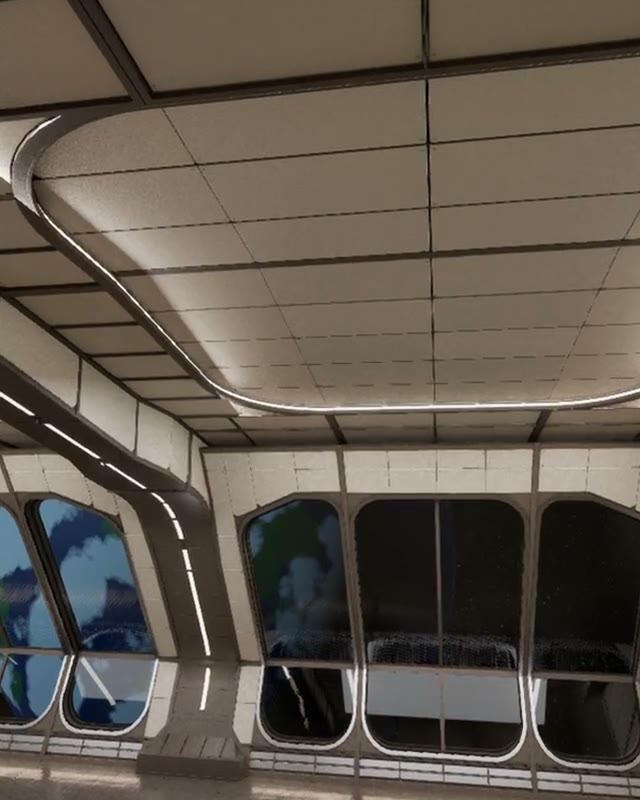
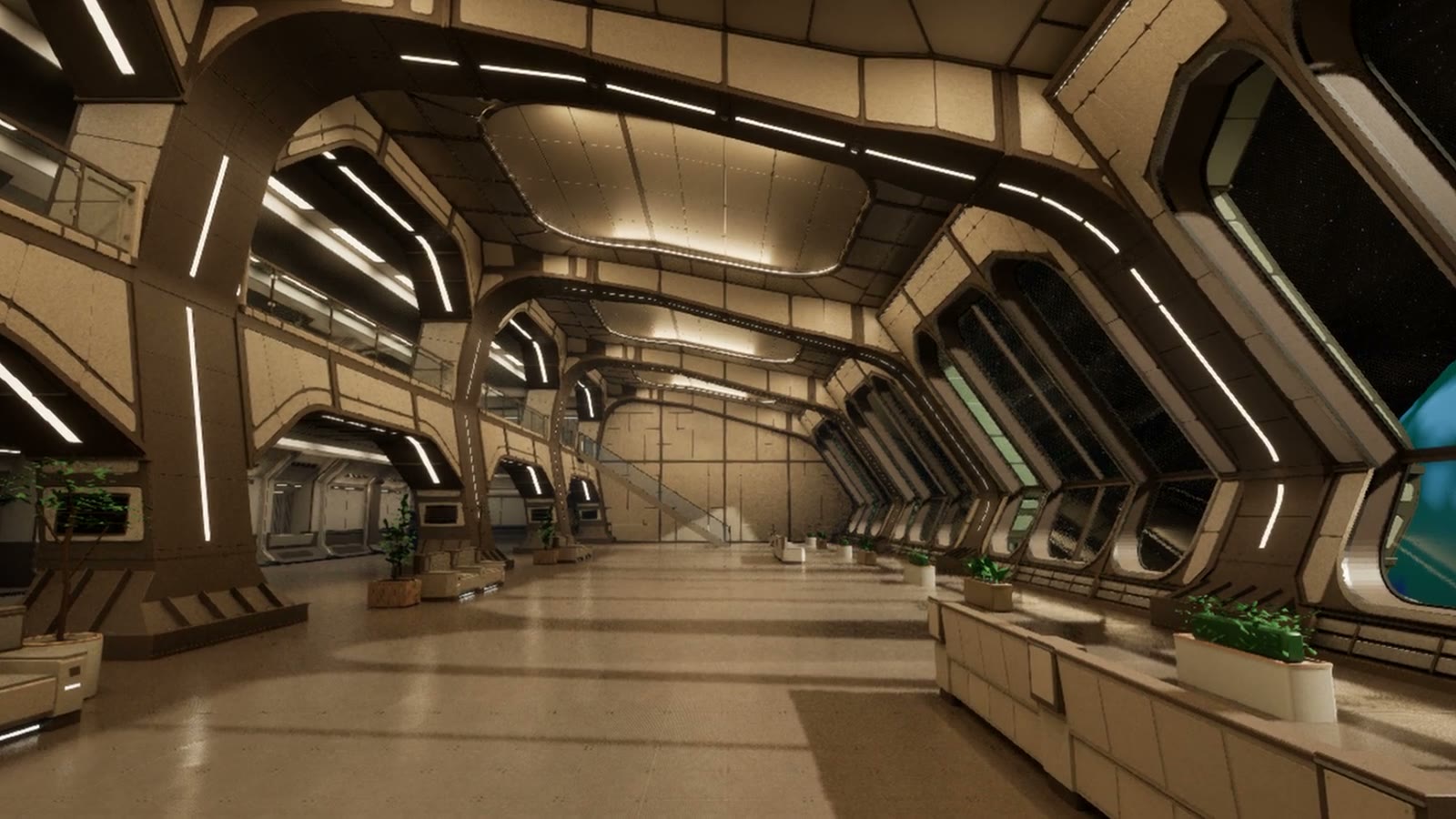
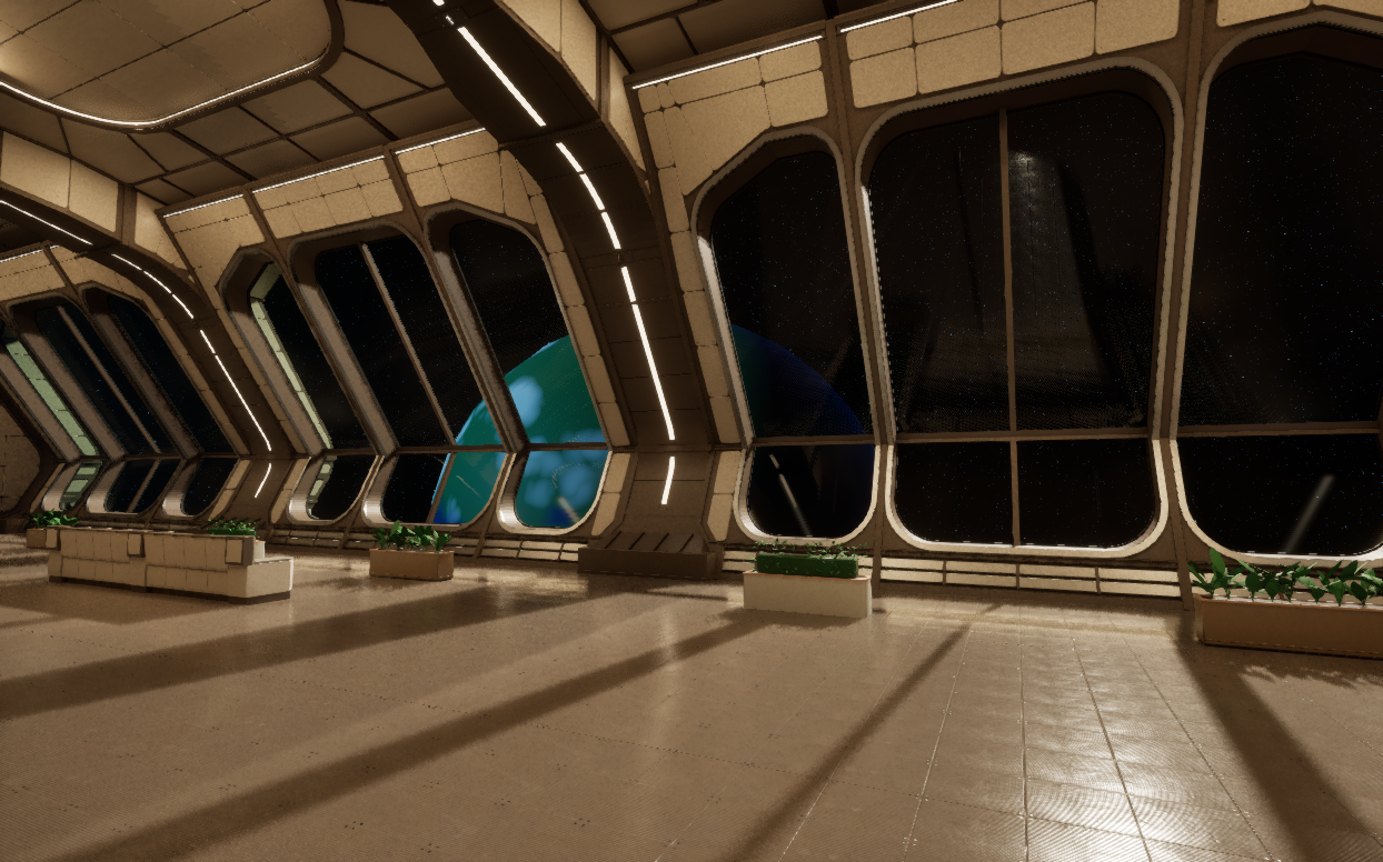
A long atrium with tall curved windows onto space, warm light and planters along the glass
An atrium: the same rib, window and floor parts, repeated down its length.
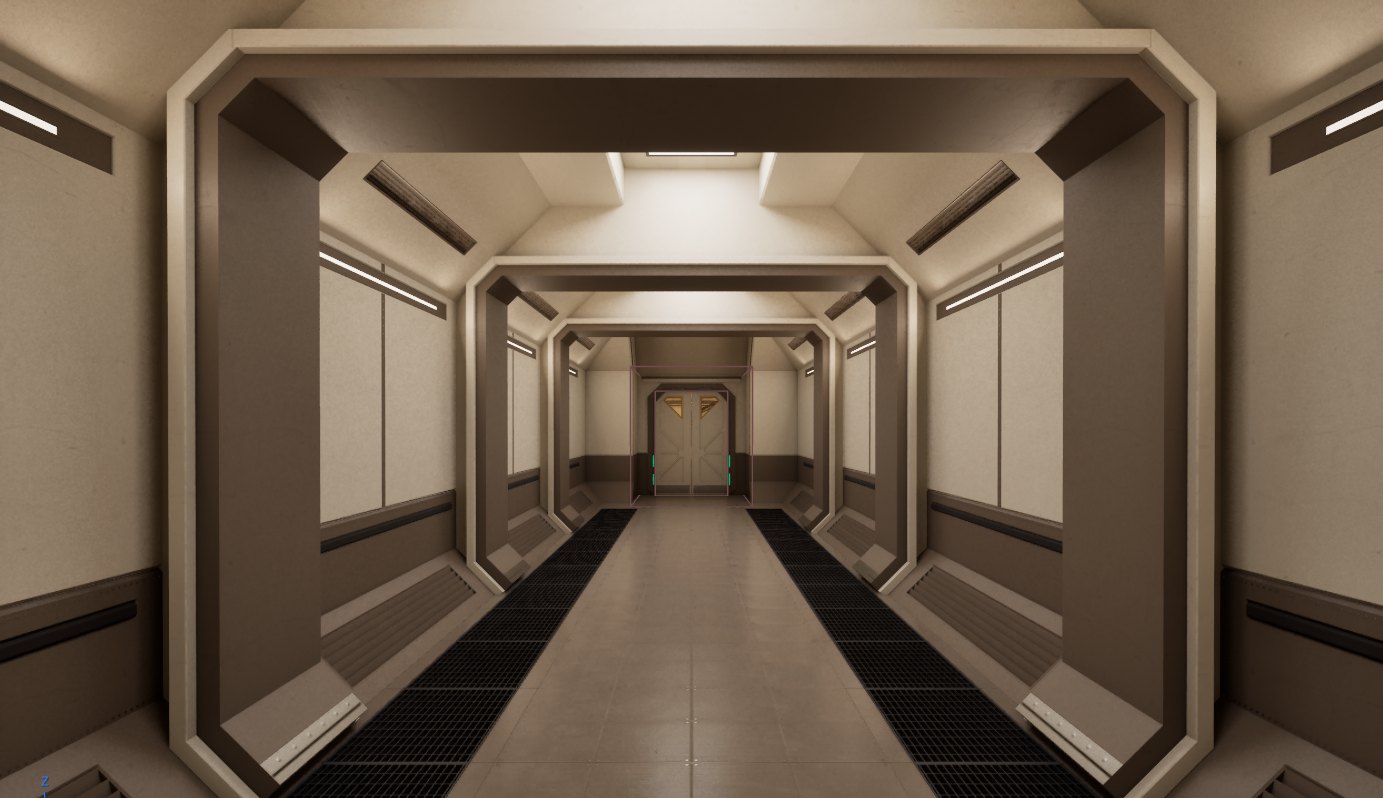
A straight corridor of tapered octagonal frames, a door at the far end
CorridorA corridor: one frame section, repeated, with a door at the end.
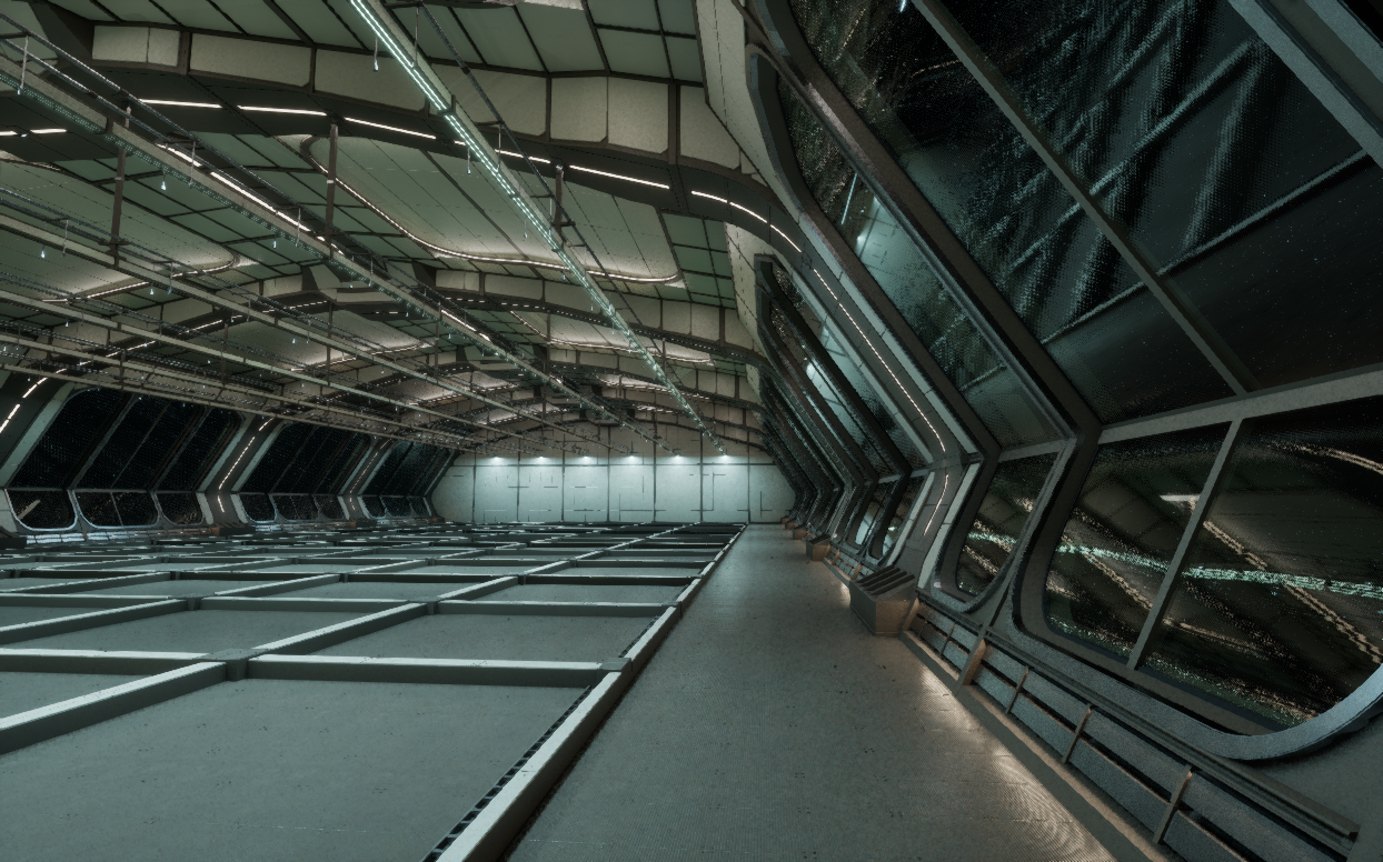
A farm hall: rows of growing plots under a glass wall
FarmA farm hall, its plots laid on the same grid as the floor.
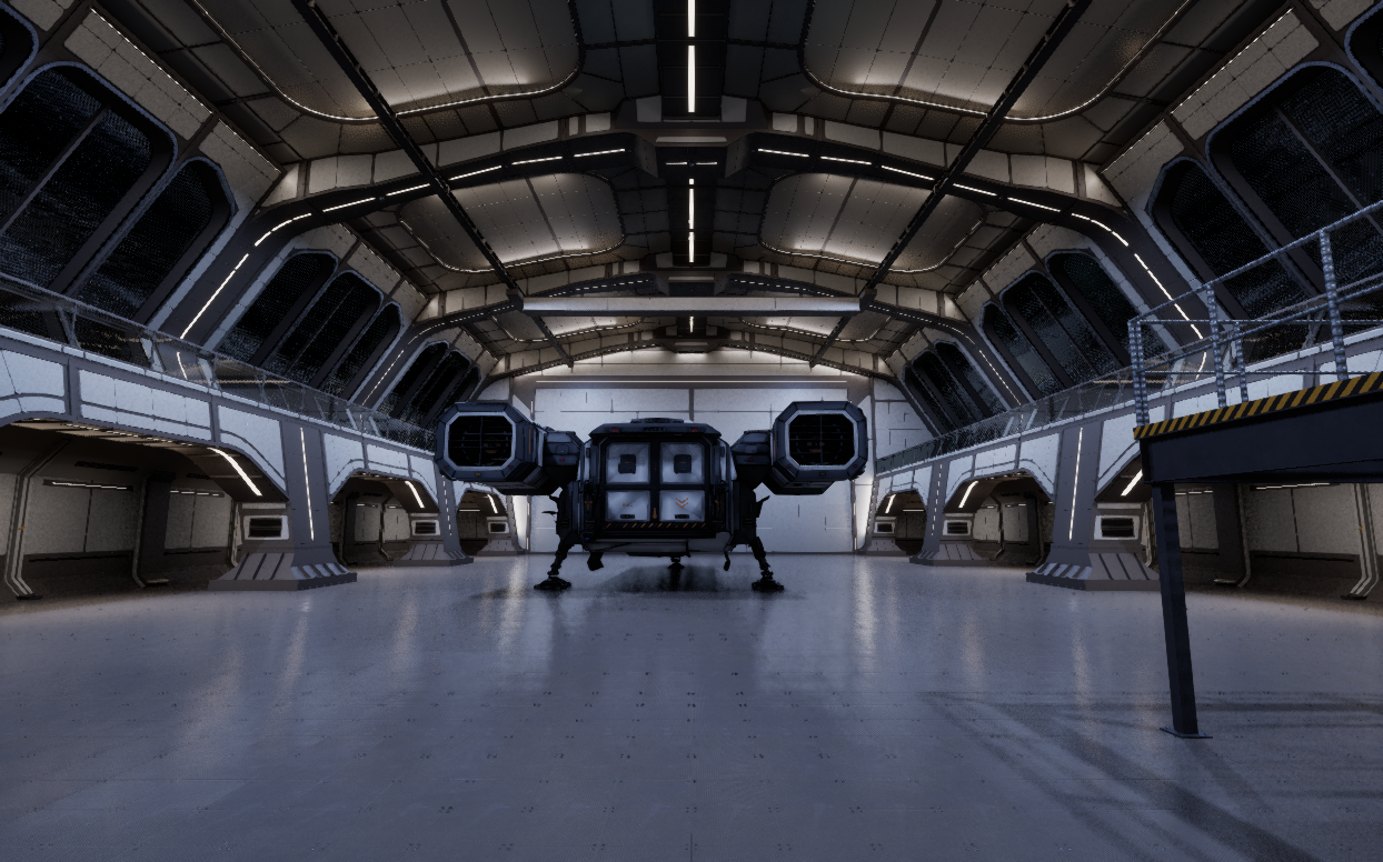
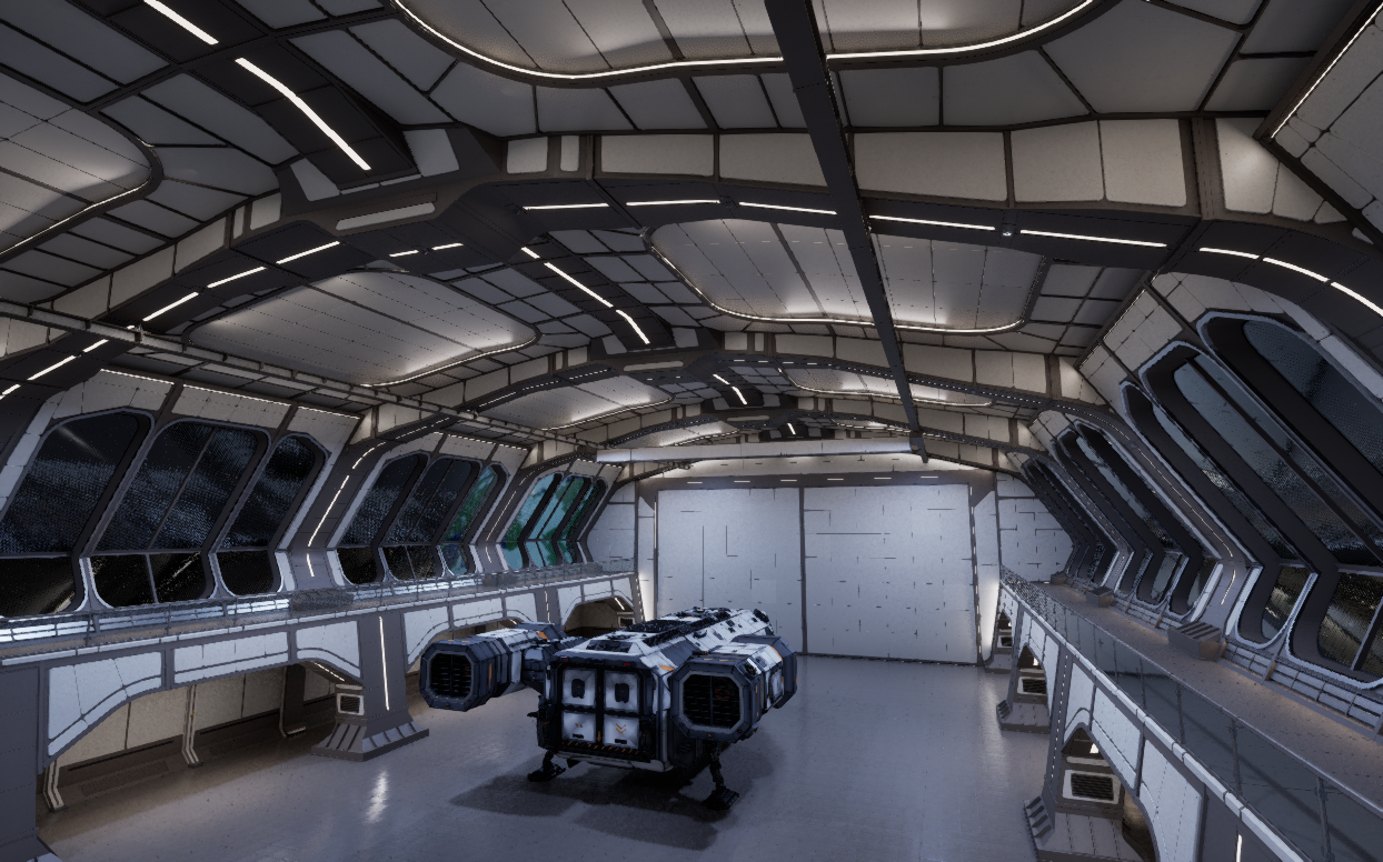
A hangar seen from the gallery, a dropship parked below
HangarA hangar, from the gallery its stairs climb to.

What you can do with it

A corridor of repeated frame sections
RoomForge

Everything snaps.

One grid, so parts meet without seams.

Every floor, wall and ceiling part is built to one 4 m cell and a 5 m deck, with its pivot on the grid. Corridors one, two or three cells wide use the same wall parts, and corners have pieces of their own, so nothing is placed by eye and no joint shows.
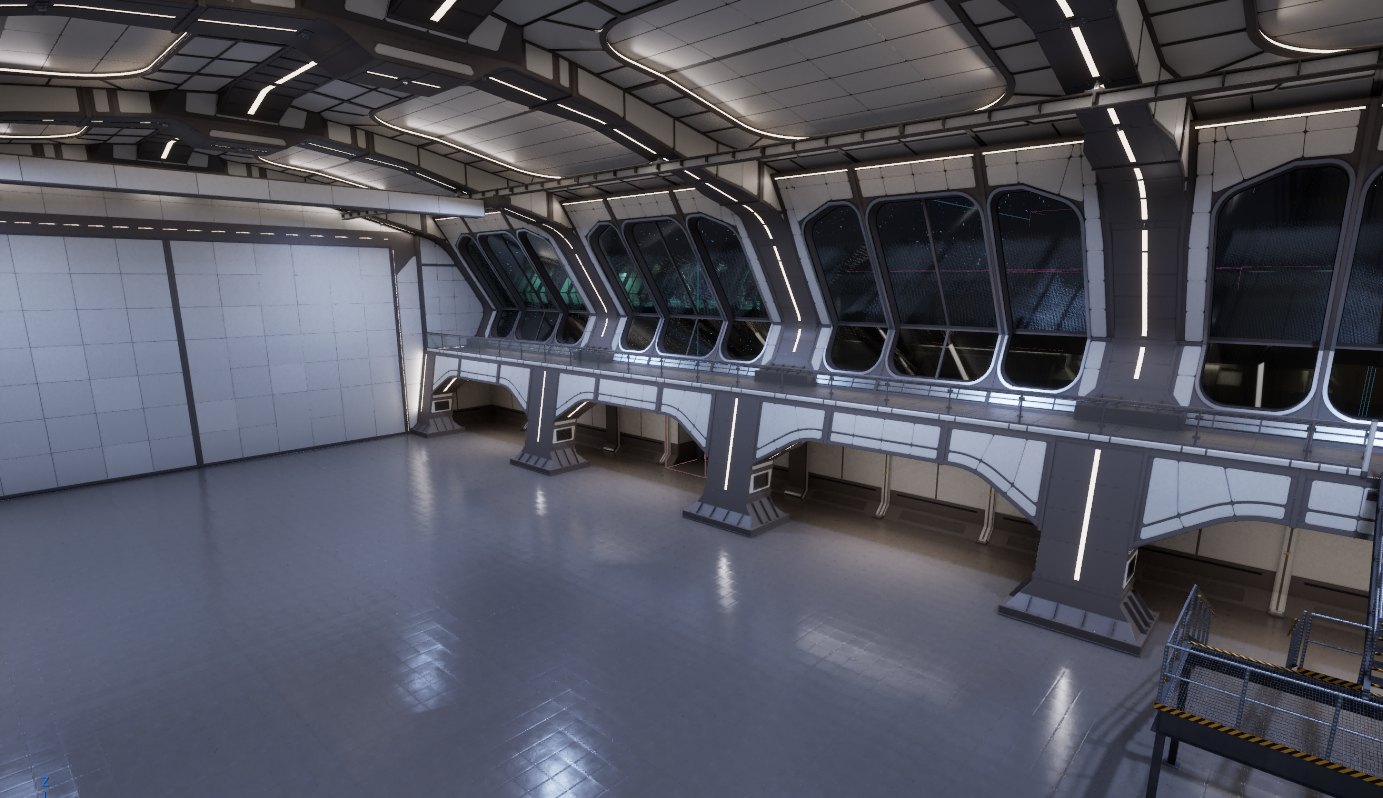
A large hangar with a gallery running along its windowed wall
RoomForge

Draw it as a floor plan.

Areas, then rooms, then the doors between them.

Block out the big areas, draw rooms on the grid and pick what each one is for from pictures, then connect them with doors, arches, windows, stairwells and lifts. Move a room and the walls, floors and ceilings around it rebuild. A plan can also be checked before it is built: overlapping rooms, doors that open onto nothing, and whether the player can reach every room from the start.

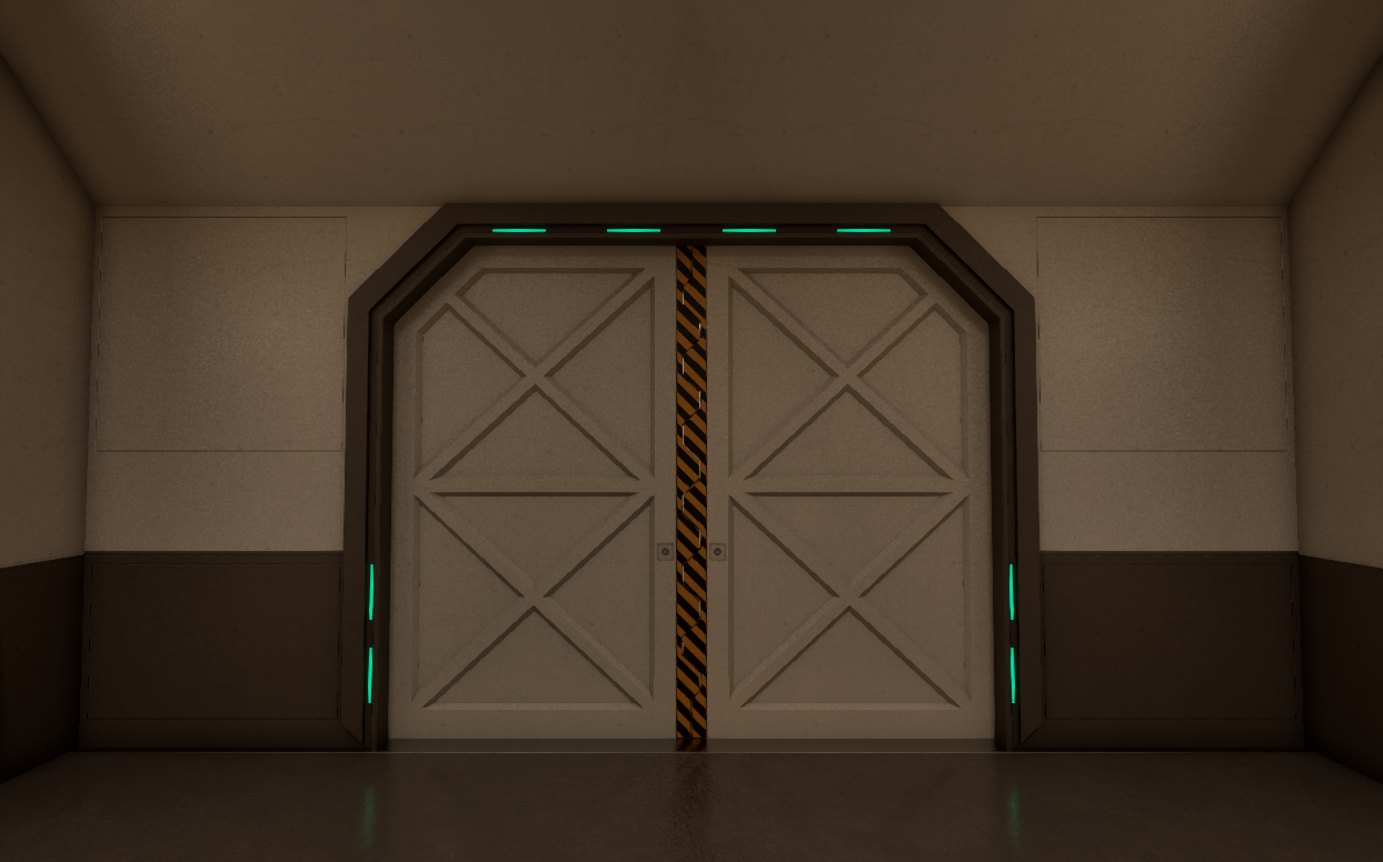
A wide double door with a hazard stripe, set into a wall nook
RoomForge

Doors that are yours.

Your door Blueprint fits every opening of its size.

Openings come in set sizes: a door, a wide door, a hatch, a lift, a window. Give each size your own door Blueprint once and every opening of that size uses it. Each door keeps its own settings, such as locked or not, when the walls around it rebuild.

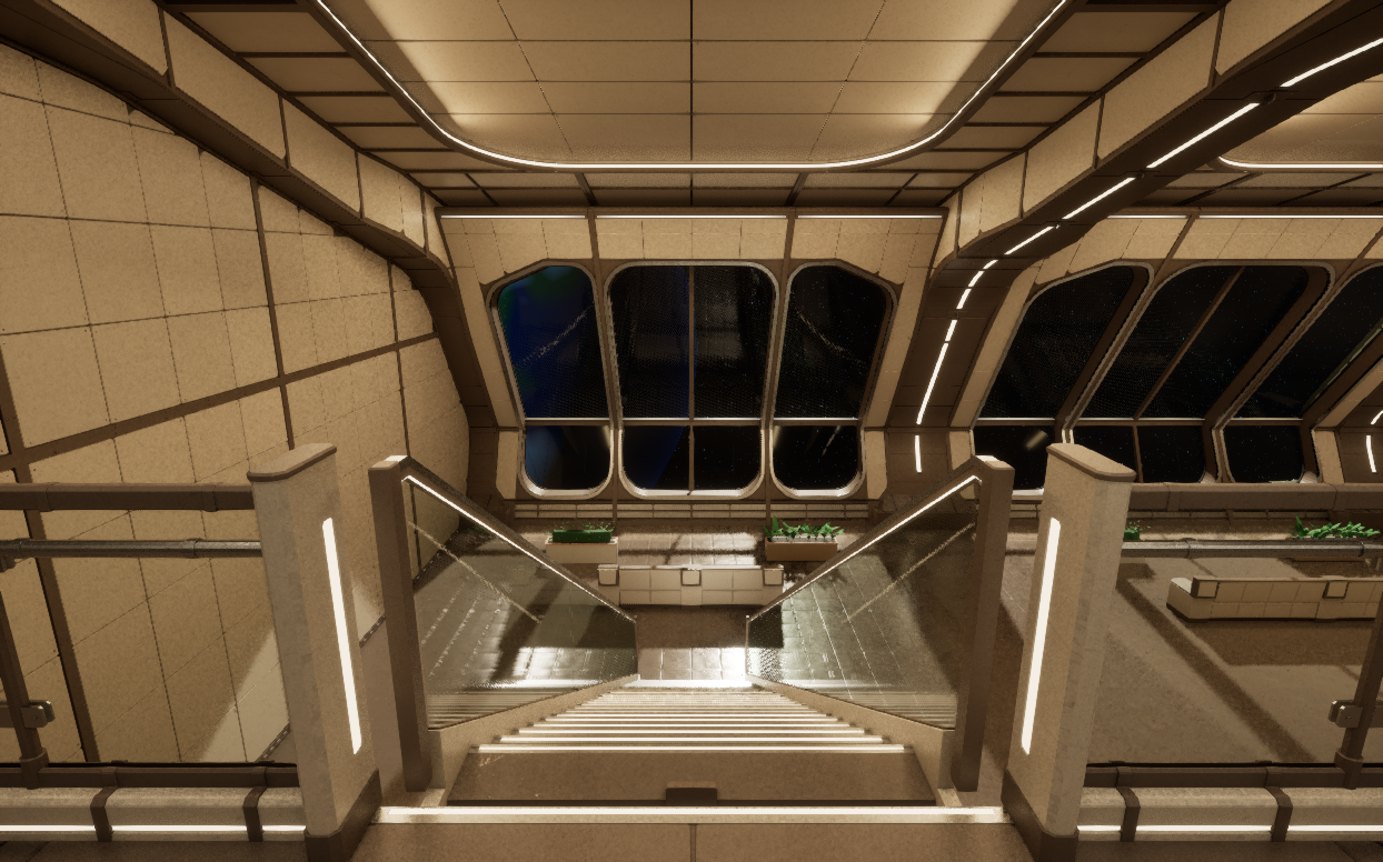
Looking down a glass-railed stair from a gallery, windows onto space beyond
RoomForge

Up and down, too.

Stairs, lifts and halls that span decks.

Stairwells, open stairs, ladders and lifts join one deck to the next, and a hall can rise through several decks with galleries around it. A lift finds its stops from the doors you give it, so adding a stop is adding a door.

A hangar under cool ceiling light strips
RoomForge

Lights the game can switch.

Normal, emergency or off, per room or per circuit.

Every room gets its lights with two looks, normal and emergency. Your game can switch a room or a whole circuit at runtime, for a blackout or an alarm, and lights that stream in later take the same state.

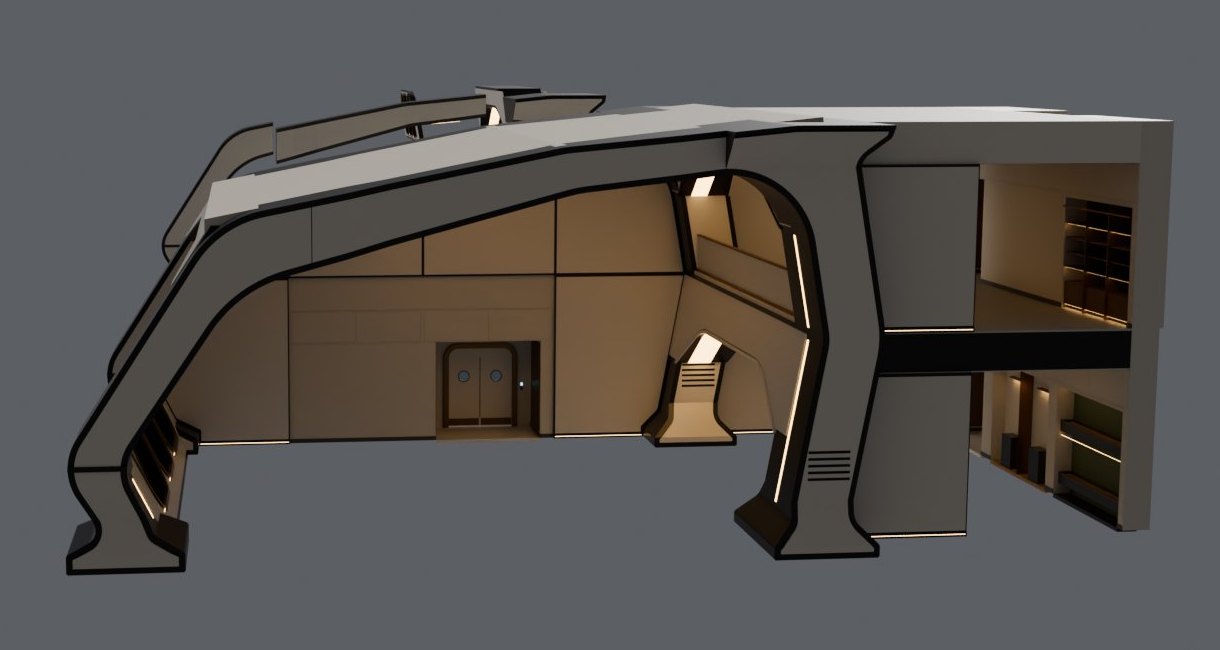
A hall section modelled in Plasticity: curved ribs, a gallery and a door, cut away
RoomForge

Your own parts, from Plasticity.

Design a piece, and it snaps like ours.

Model a wall bay, a cabin wall or a whole hall section in Plasticity on the same grid, and bring it into the level ready to place. The free Plasticity playbook shows how, step by step, from the measurements to the import. You can drive Plasticity from an agent too, but every step works by hand.

What is inside

What it is made of.

RoomForge grows out of the tools we use to build Colony. Much of it already builds our own levels.

01

The grid parts

Corridor sections, wall bays, corners, ceilings, floor strips, doors, windows and frames, all on the 4 m grid.

02

The plan editor

Draw areas and rooms, connect them, and furnish them from what each room is for. Built for Colony; being moved to the new parts.

03

Rules, not random

Rooms furnish themselves by rules you can read and change. Re-roll a room, and pin what you like so it stays.

04

More looks

Next: the same parts in other looks, such as industrial, habitat, medical and military, each with its own lighting and dressing.

05

More kinds of place

Next: part kits for stations, bunkers and dungeons, added to RoomForge like the ship kit.

06

The Plasticity playbook

Free: how to design your own parts in Plasticity so they snap to the grid.

Extend it

More for RoomForge.

Extensions, kits, utilities and playbooks that belong with it. Each one works on its own; together they cover the whole job.

What it needs

Unreal Engine 5.8

The rooms are built in your level, from ordinary meshes, lights and door Blueprints.

Plasticity, for your own parts

Only if you design parts of your own. It is sold by its makers; the playbook is free.

Price

Free tier

Full price to be announced

A free tier to build your first interior, and a full version that is paid. Part kits are added on top.

Coming soon. Where to get it, once it is out:

In the Hub

Once it is out, the free Hub installs RoomForge, keeps them up to date, and gets new versions to you first.

Bought once, updated until 2.0

Buy before version 2.0 and it is yours to keep, with every update until 2.0: early access, beta, 1.0, up to 1.99. Version 2.0 is the first paid upgrade, discounted for owners.

Questions

Asked before you start.

When can I get it?+

RoomForge is coming soon, and the name may still change. Leave your email and you hear the day it is out.

Is it only for spaceships?+

No. The first kit is a ship interior, because that is what our game needed. The grid works for any built interior, and kits for stations, bunkers and dungeons are planned.

Is it random generation?+

No. You decide every room and every door. The parts follow rules so walls, floors and corners join cleanly, and rooms can furnish themselves by rules you can read, re-roll and pin.

Does it work with my own doors and gameplay?+

Yes. Doors, lifts and lights are ordinary actors your game addresses by name and tag. RoomForge places them; what they do in play is yours.

Do I need Plasticity?+

No. You can build with the parts that come with RoomForge. Plasticity is for when you want parts of your own.

Do I have to use AI?+

No. Every step works by hand. AI and agents are there when you want a first draft or want the repetitive work done for you.

What does it cost?+

You start with the free tools. Some tools, add-ons and kits are paid, and you see the price before you buy. Pro, for teams, is a subscription.

Can I ship what I make in a commercial game?+

Yes. What you make is yours. AI providers have their own terms, and each add-on that uses one says which.

Which version of Unreal do I need?+

Unreal Engine 5.8.

Draw a room, and walk into it.